
Moving from OpenCart
Move from OpenCart — no developer, no lost rankings
Tired of updating modules, paying for hosting and looking for someone to fix the cart? Move your store together with customers and orders, and old URLs will keep their Google rankings.
Start moving for free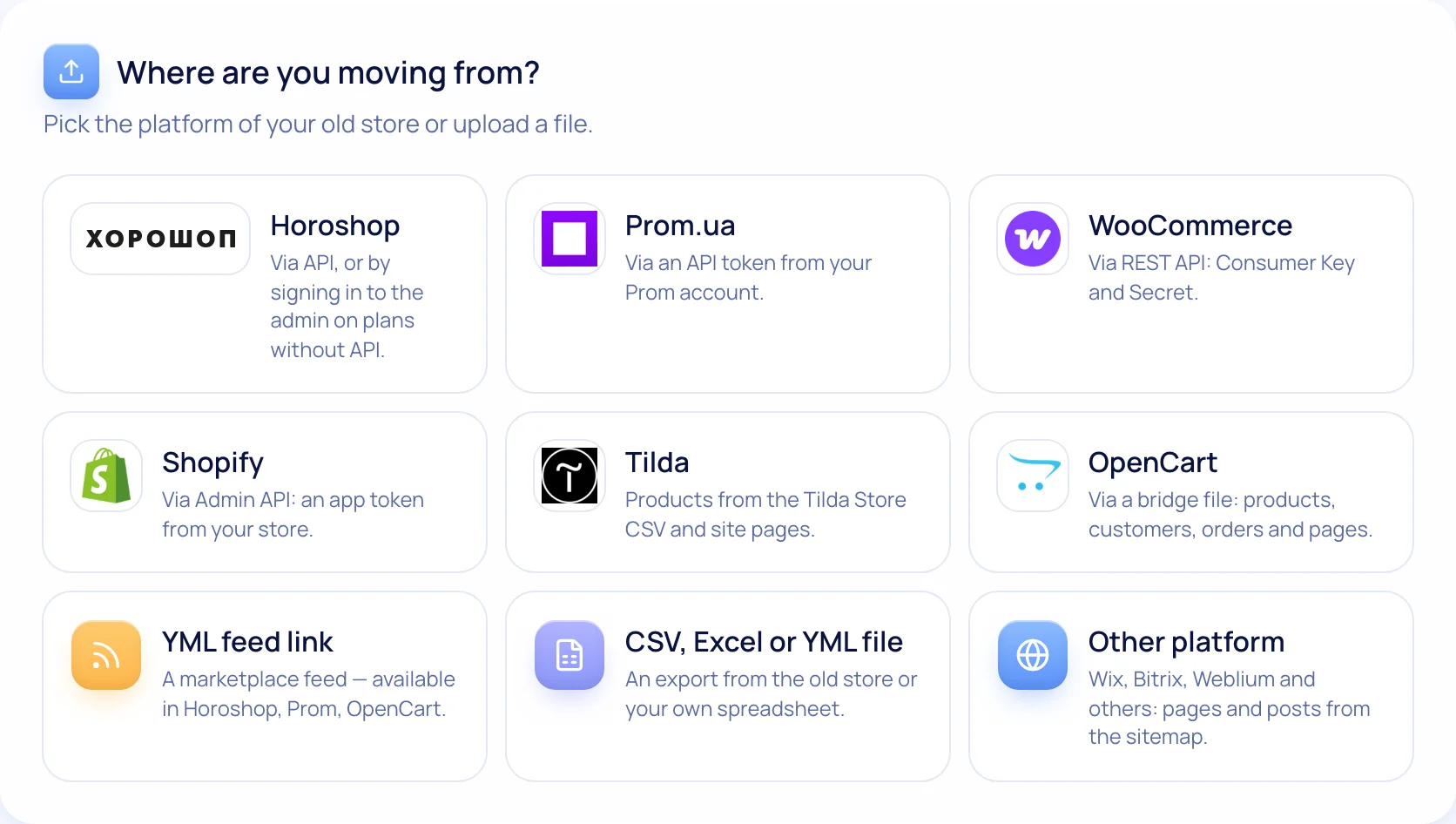
How it works
- 1
Upload the bridge file
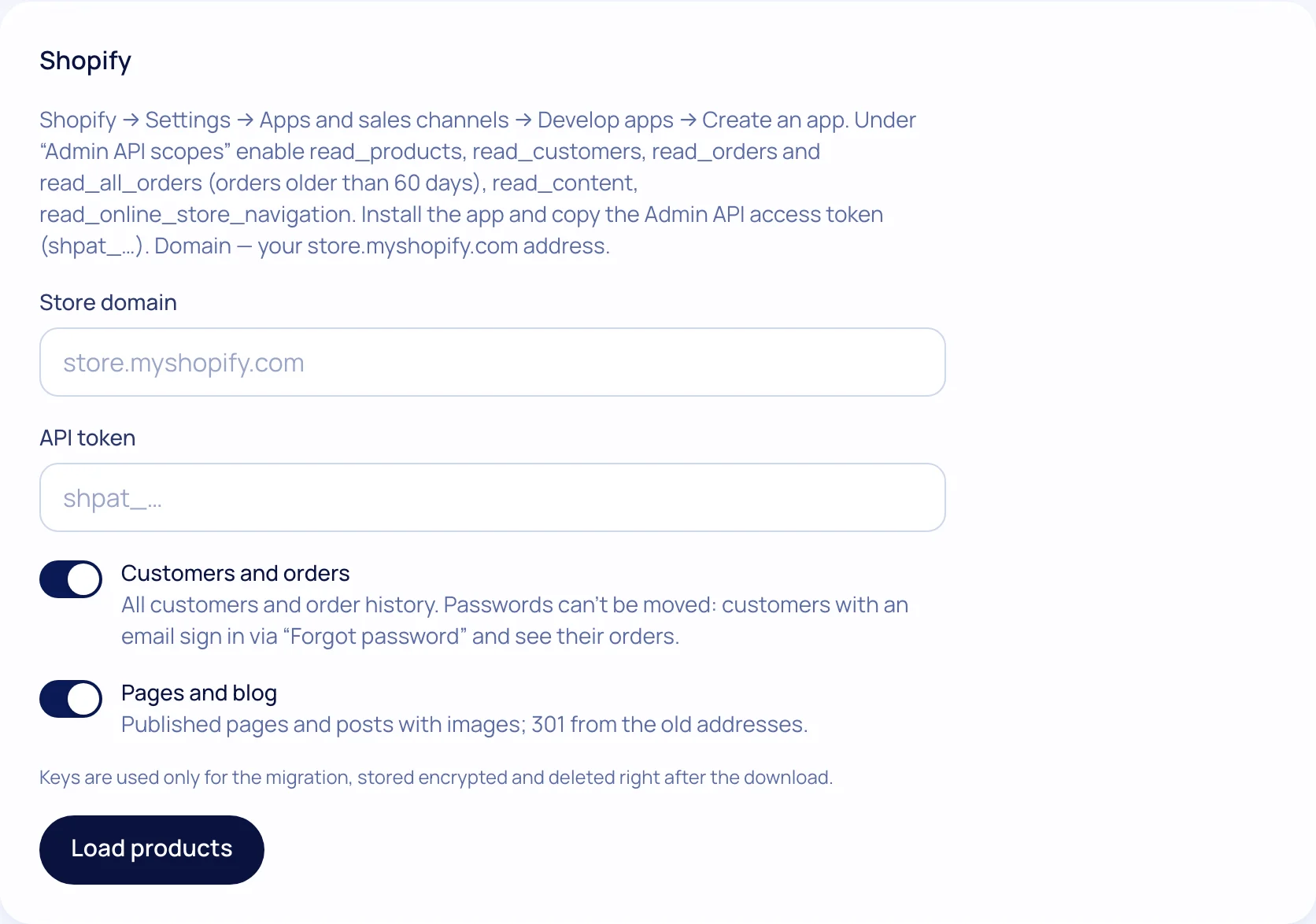
Put a single PHP file in the site root next to config.php — via FTP or your hosting file manager.
- 2
Enter the site address
The file only reads data and works for 7 days. We don’t need database passwords.
- 3
Check the preview
How many products, customers, orders and pages were found — before you start.
- 4
Set 301s and switch the domain
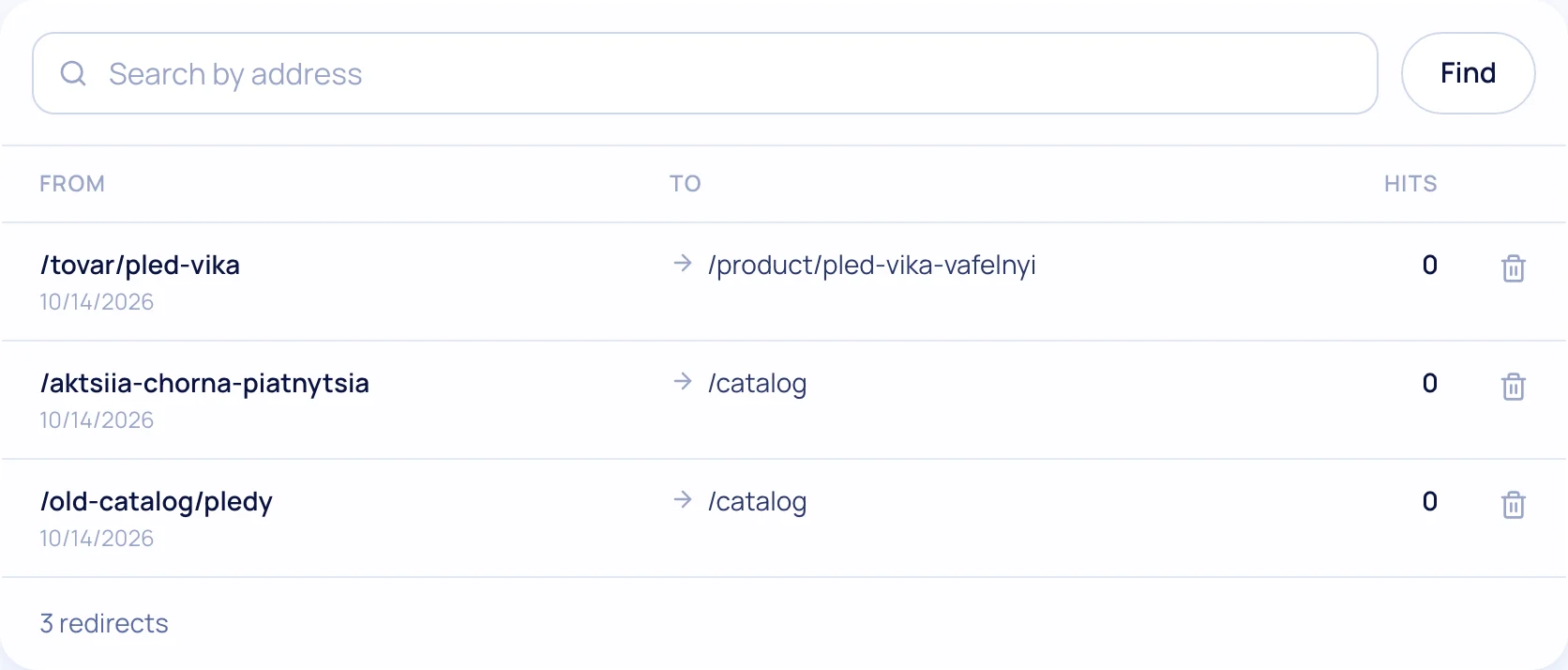
Old sitemap → a redirect for every URL. Delete the bridge file after the move.
What moves over
Products and categories
Options, prices, sale prices, stock, photos, attributes, SEO fields.
Customers
Contacts and history. Passwords aren’t transferred — customers sign in via “Forgot password”.
Orders
Purchase history and statuses — for reports and repeat sales.
Pages
“About us”, “Shipping and payment” — text and photos; layout in our editor.
Why stores are leaving OpenCart
OpenCart is a free CMS, and that’s exactly why it became popular in Ukraine. But only the software itself is free. Hosting, Nova Poshta, payment and PRRO modules, security updates and a developer who holds it all together are monthly costs and risks.
According to Google Trends, interest in OpenCart in Ukraine fell by about 40% over the last year. Modules age, compatibility between versions 2, 3 and 4 breaks, and developers are getting scarcer. Moving to a platform takes this work off your hands: integrations are built in and update without you.
If your OpenCart has custom logic a typical store doesn’t have, first check whether the platform covers it. For most clothing, cosmetics, electronics and home goods stores, it does.
Checklist for moving without losing rankings
Tick off the steps — your progress is saved in your browser.
0 of 7 done
Your ticks are saved in this browser
Migration questions
Will Google traffic drop after the move?
A small fluctuation in the first 1–3 weeks is normal: Google recrawls the site. For rankings to move to the new pages, every old URL gets a 301 redirect. We read the old sitemap and set 301s automatically, and show uncertain matches in a “Review” list.
Will the old site stop working?
No, not until you switch the domain yourself. Check the new store first, then switch.
Can I transfer again if I changed products?
Yes. A repeat transfer updates existing products instead of creating duplicates.
Which plan includes migration?
On every plan and during the 14-day trial.
What else the store gets
Test the move on your own catalog
The preview shows how many products and pages will move — before you start.