
Payments
Money to your account, receipt to the shopper
Online card payments, Apple Pay and Google Pay, instalments and cash on delivery. The payment status updates itself, and the fiscal receipt goes to the shopper automatically.


How it works
Four steps and you’re done
- 1
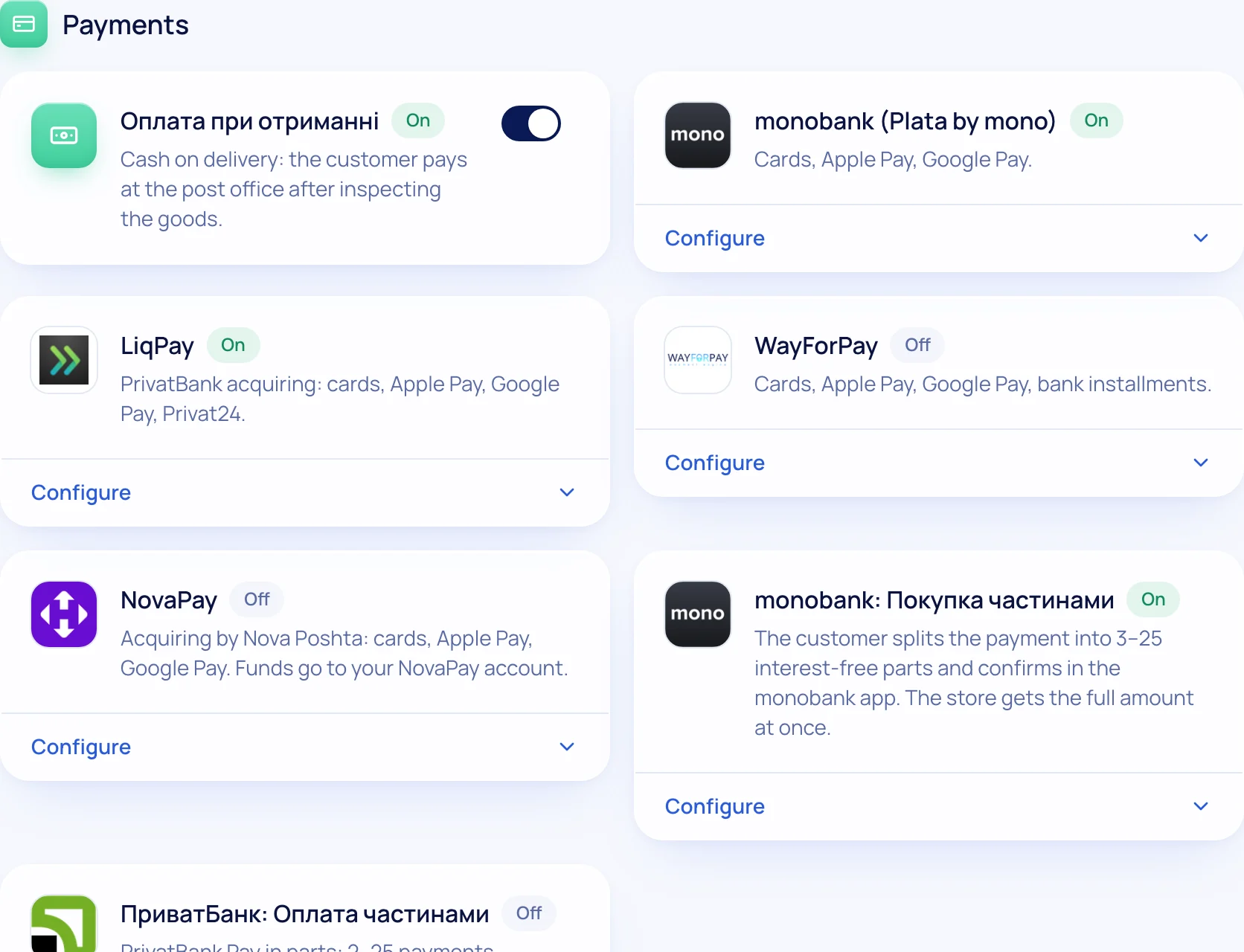
Connect a provider
monobank, LiqPay, WayForPay or NovaPay keys — in Modules.
- 2
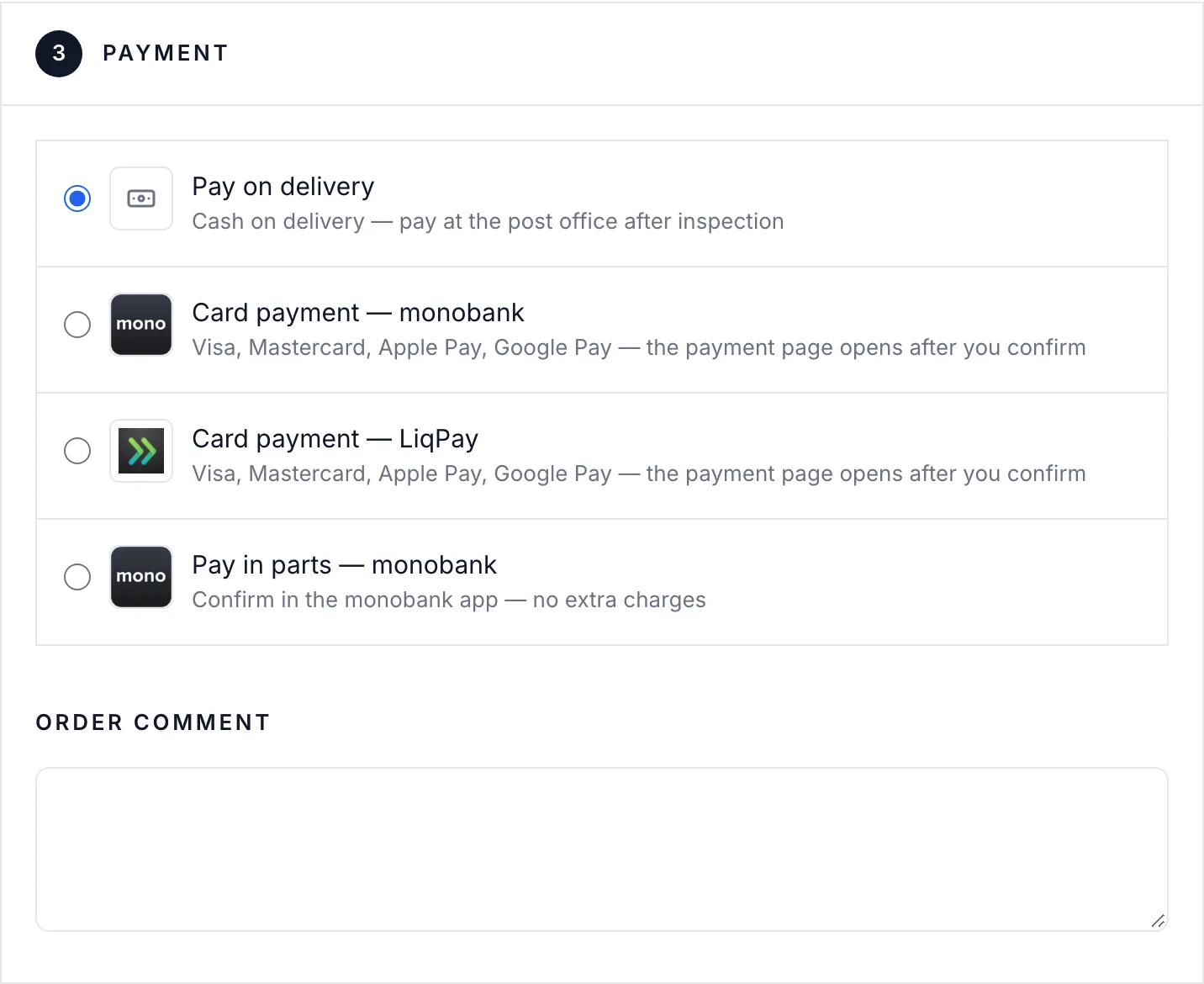
Shopper pays
At checkout or via a link you send.
- 3
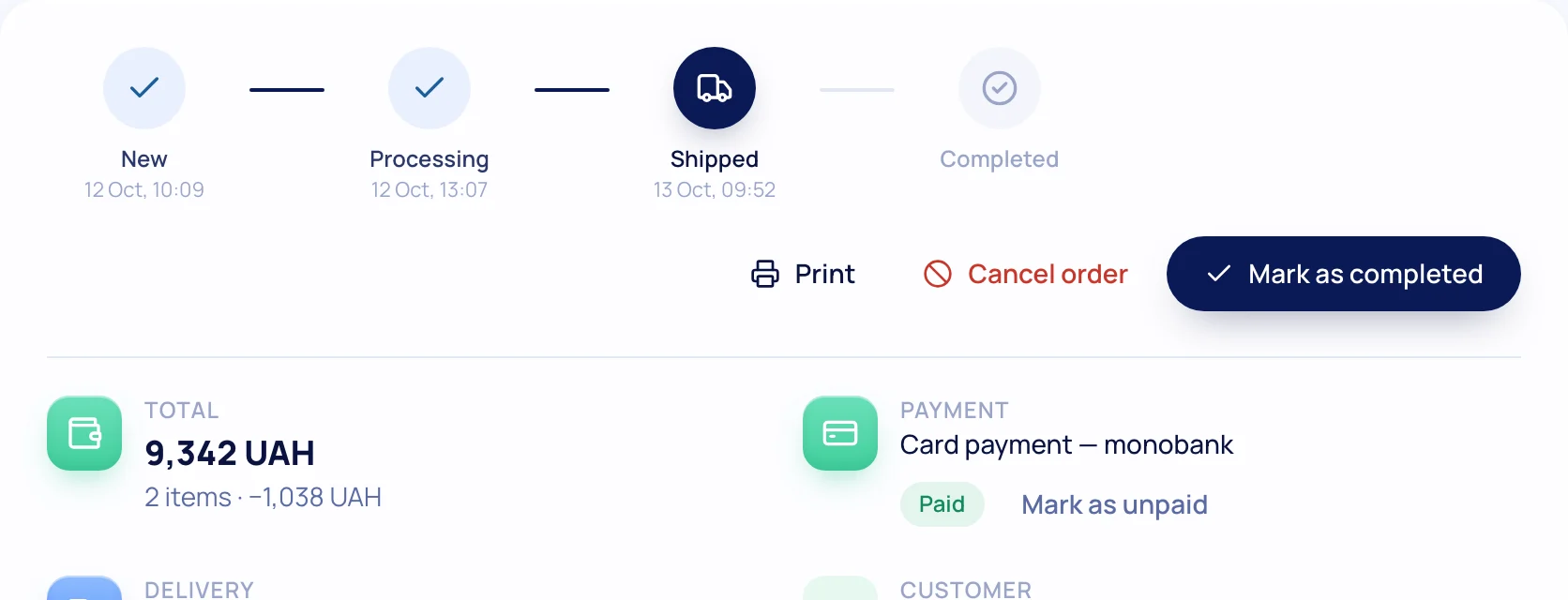
Status updates
The order becomes paid without manual checks.
- 4
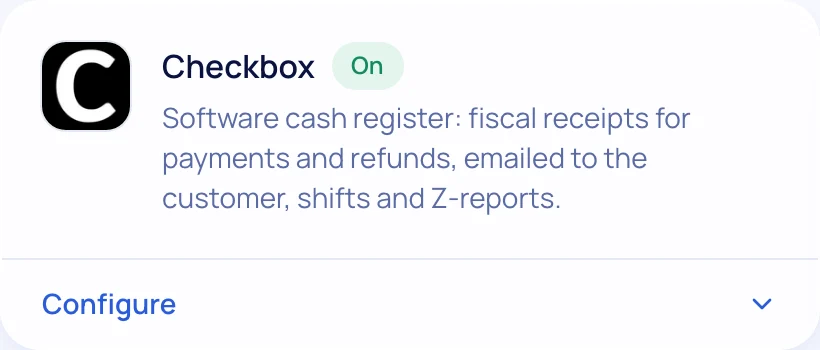
Receipt goes out
Checkbox or Vchasno.Kasa — the fiscal receipt by email.
What’s included
Everything you need is already here
Online payments
Card, Apple Pay, Google Pay via your acquiring.
Instalments
monobank and PrivatBank pay-in-parts.
Cash on delivery
COD as a separate method with its own rules.
Payment links
For orders taken by phone or messenger.
Fiscal receipts
Checkbox and Vchasno.Kasa: receipts, shifts, returns.
No platform fee
You pay only your plan and your bank’s fee.

Try it on your own store
14 days free on the Business plan, no card needed.