
Themes & editor
A store that looks like your brand
Pick a theme for your products and change everything a shopper sees: colours, fonts, logo, home page blocks, menus, pages. You see changes instantly in the preview; shoppers see them after you publish.
How it works
Four steps and you’re done
- 1
Pick a theme
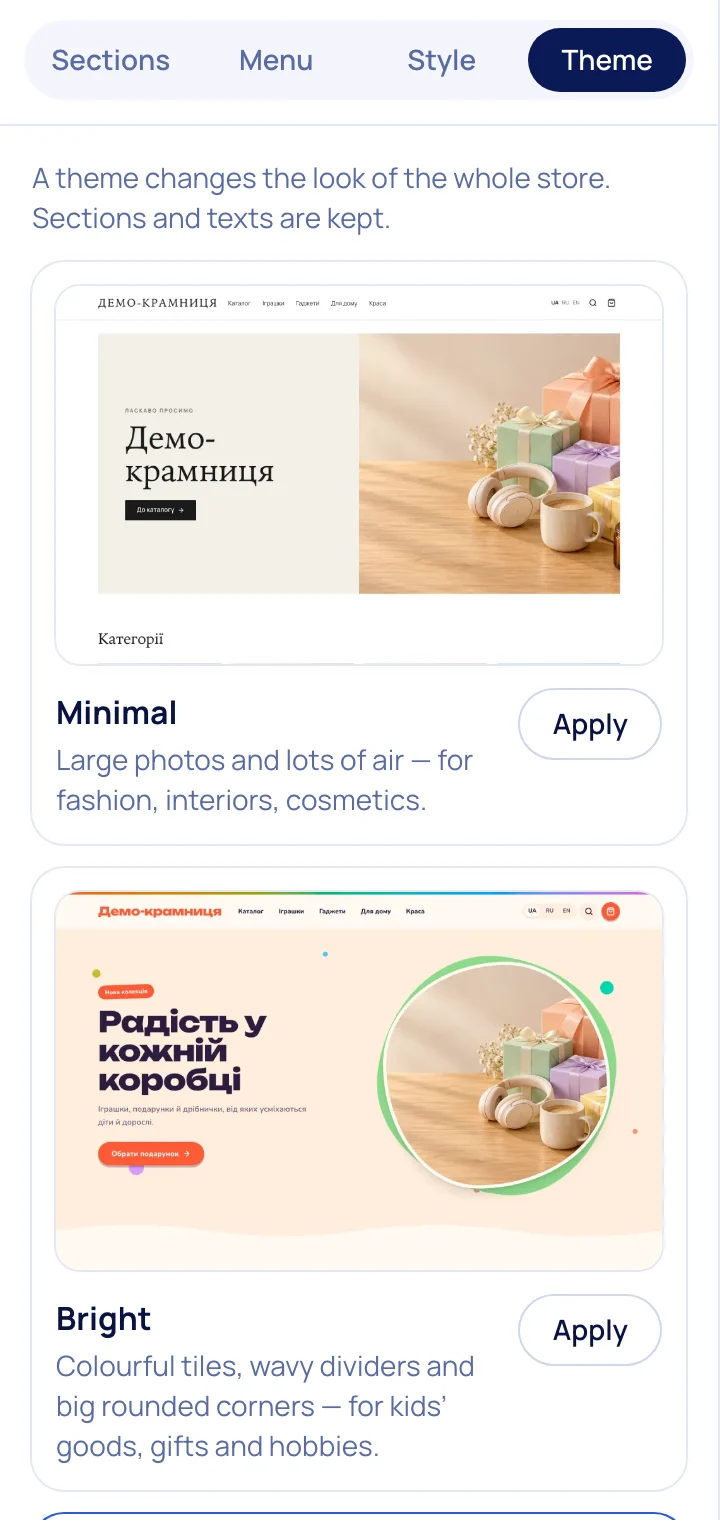
For fashion, tech, home, gifts — 6 themes with ready blocks and colour presets, plus 12 niche starter kits.
- 2
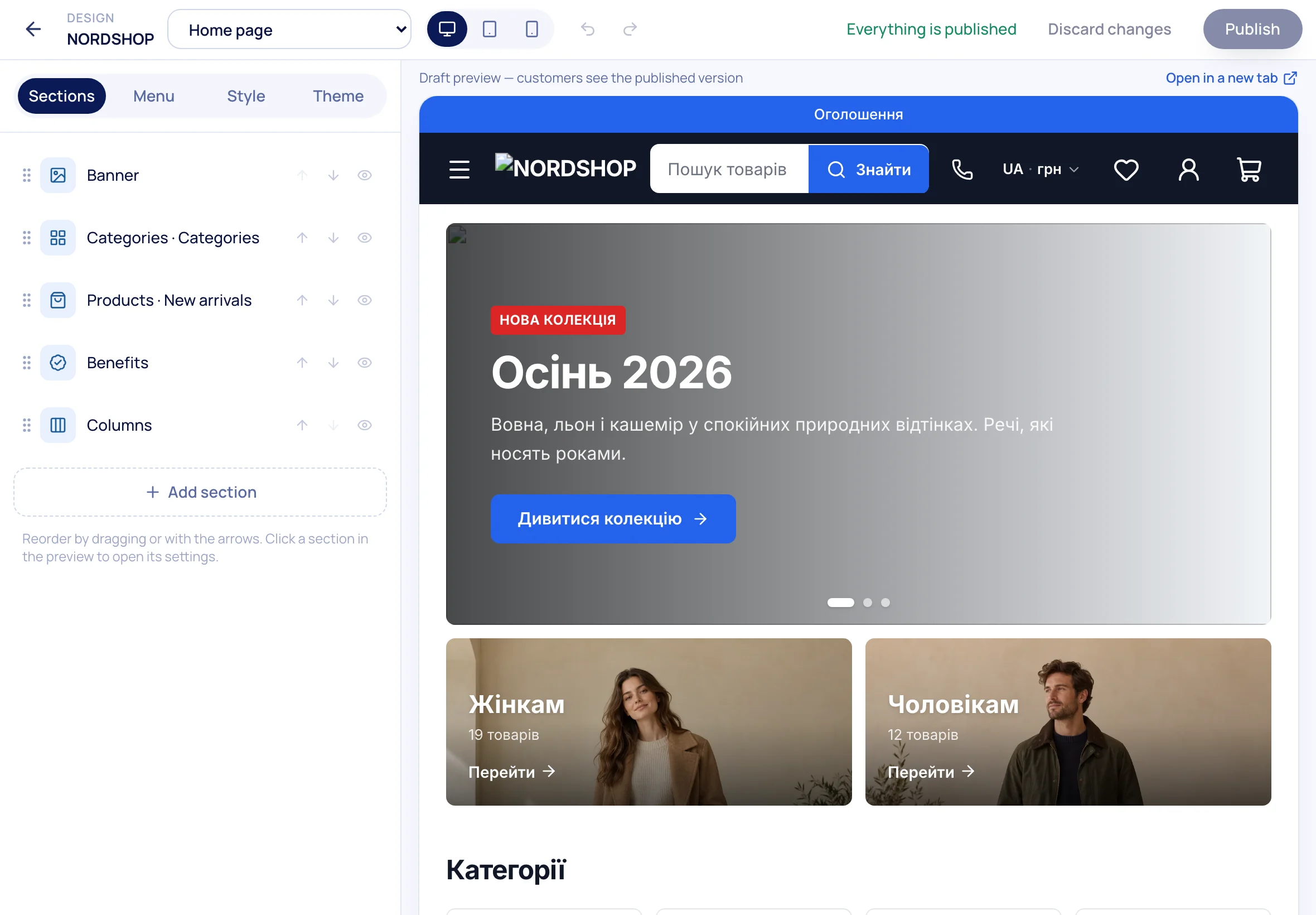
Build the home page
Banners, categories, products, reviews, benefits, posts — drag blocks and edit text in place.
- 3
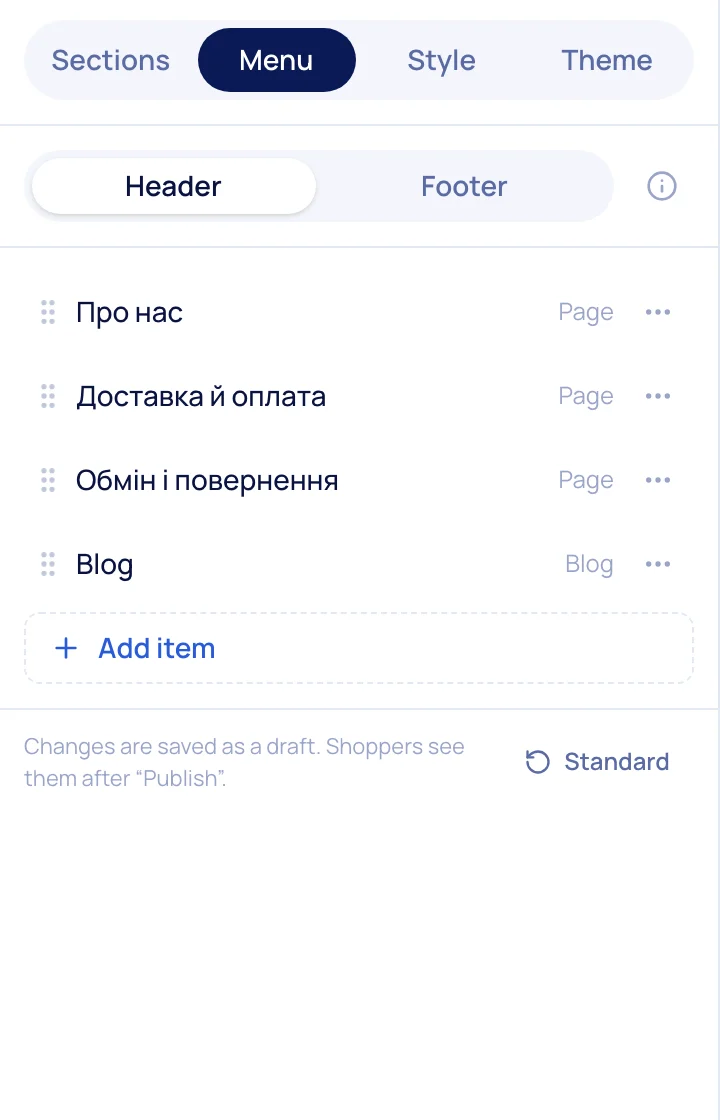
Set up menus
Header and footer as a tree: categories, pages, posts or any link.
- 4
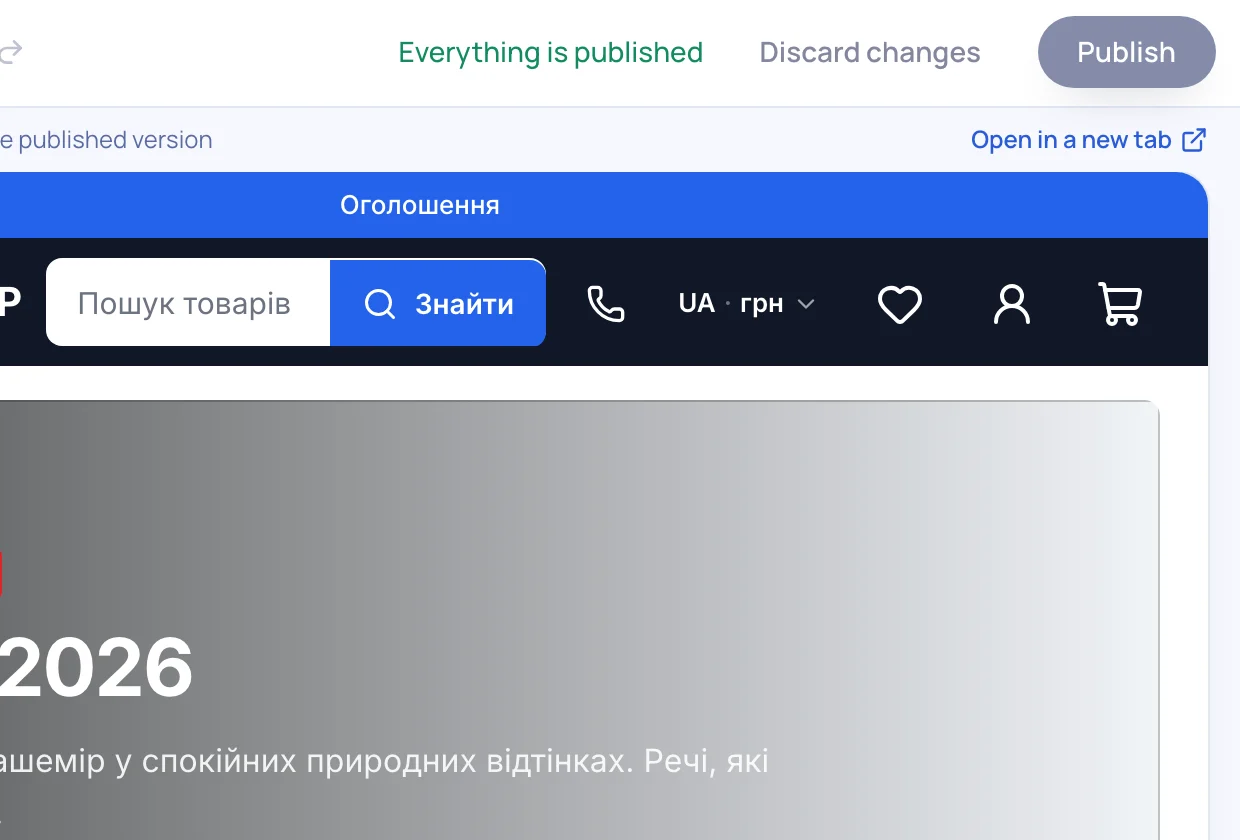
Publish
Drafts never reach shoppers: publish when ready or discard changes.
What’s included
Everything you need is already here
Page layouts
Three product layouts, two catalog layouts, one- or three-step checkout.
Catalog banners
A promo between product cards — per category and for the sale period.
Site pages
“About”, “Shipping & payment”, landings — with the same builder.
Blog
Posts with categories, covers and scheduled publishing.
Mobile first
Bottom bar, quick catalog and a phone preview in the editor.
Custom domain
Connect your domain with SSL — on every plan.

Try it on your own store
14 days free on the Business plan, no card needed.