
Shipping
From order to waybill in one click
Shoppers pick a branch, parcel locker or courier right at checkout. You create the waybill from the order, and the parcel status updates itself.


How it works
Four steps and you’re done
- 1
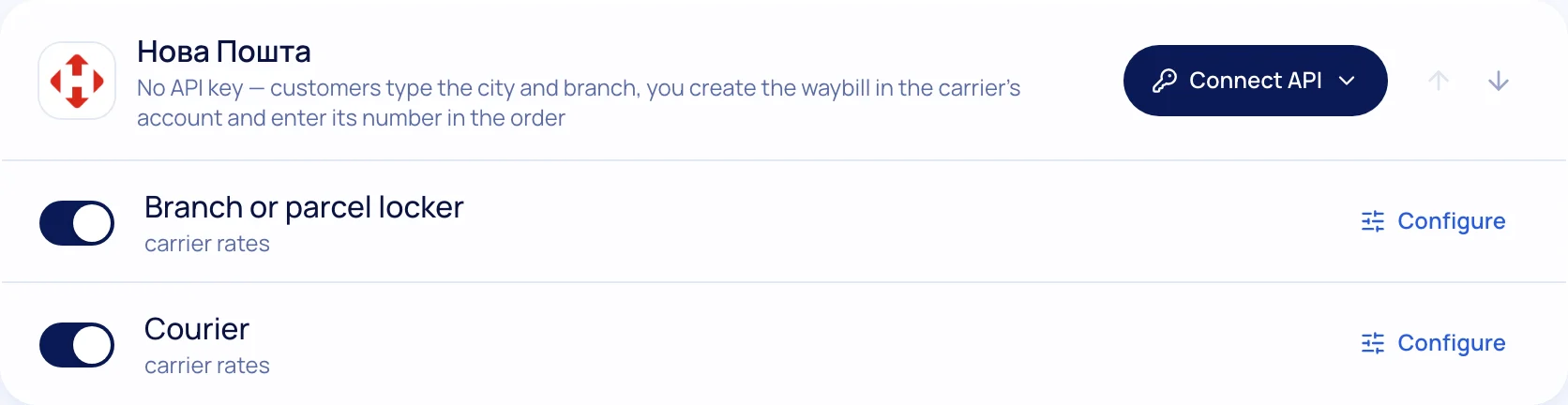
Connect
Paste the carrier API key in Settings → Shipping — sender details load automatically.
- 2
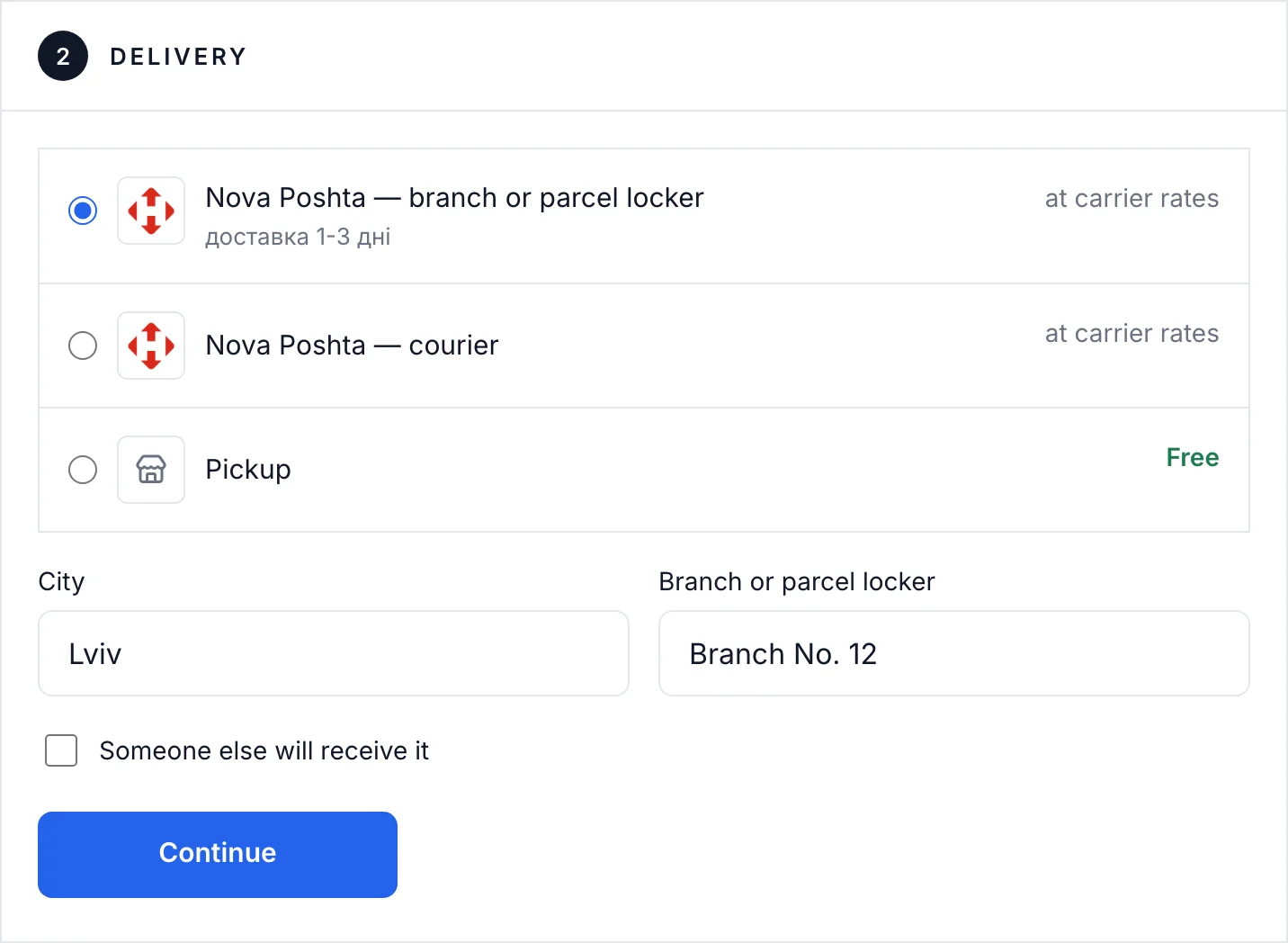
Shopper chooses
City and branch from the list — no address mistakes.
- 3
You ship
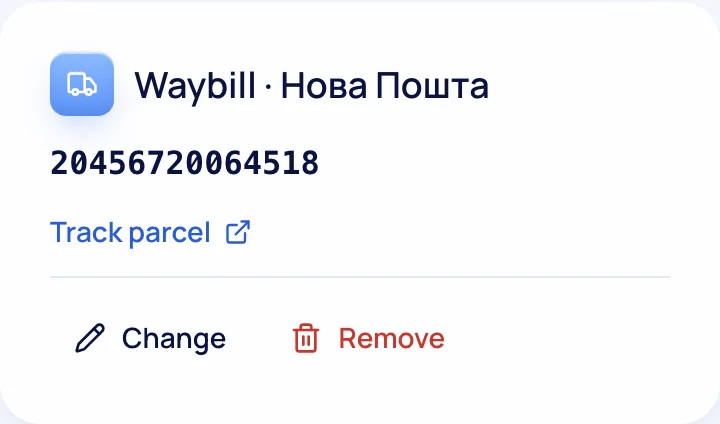
A waybill from the order card or automatically after payment.
- 4
The parcel travels
The shopper gets the tracking number; you see the status in your orders list.

What’s included
Everything you need is already here
Branches, lockers, courier
Every carrier delivery option at checkout.
Waybills
One click or automatic; print the label from the order card.
Tracking
Parcel status without opening the carrier site.
Another recipient
Shoppers can ship to someone else.
Your own methods
Pickup, local courier, any carrier with a manual waybill.
Delivery dates on product page
“Ships today”, an estimated date and “free over an amount”.

Try it on your own store
14 days free on the Business plan, no card needed.