
Moving from Horoshop
Move from Horoshop — with products, pages and rankings
We transfer the catalog via the Horoshop API, and on plans without API access — via an export from the admin. Old URLs get 301s, so Google moves rankings to the new pages.
Start moving for free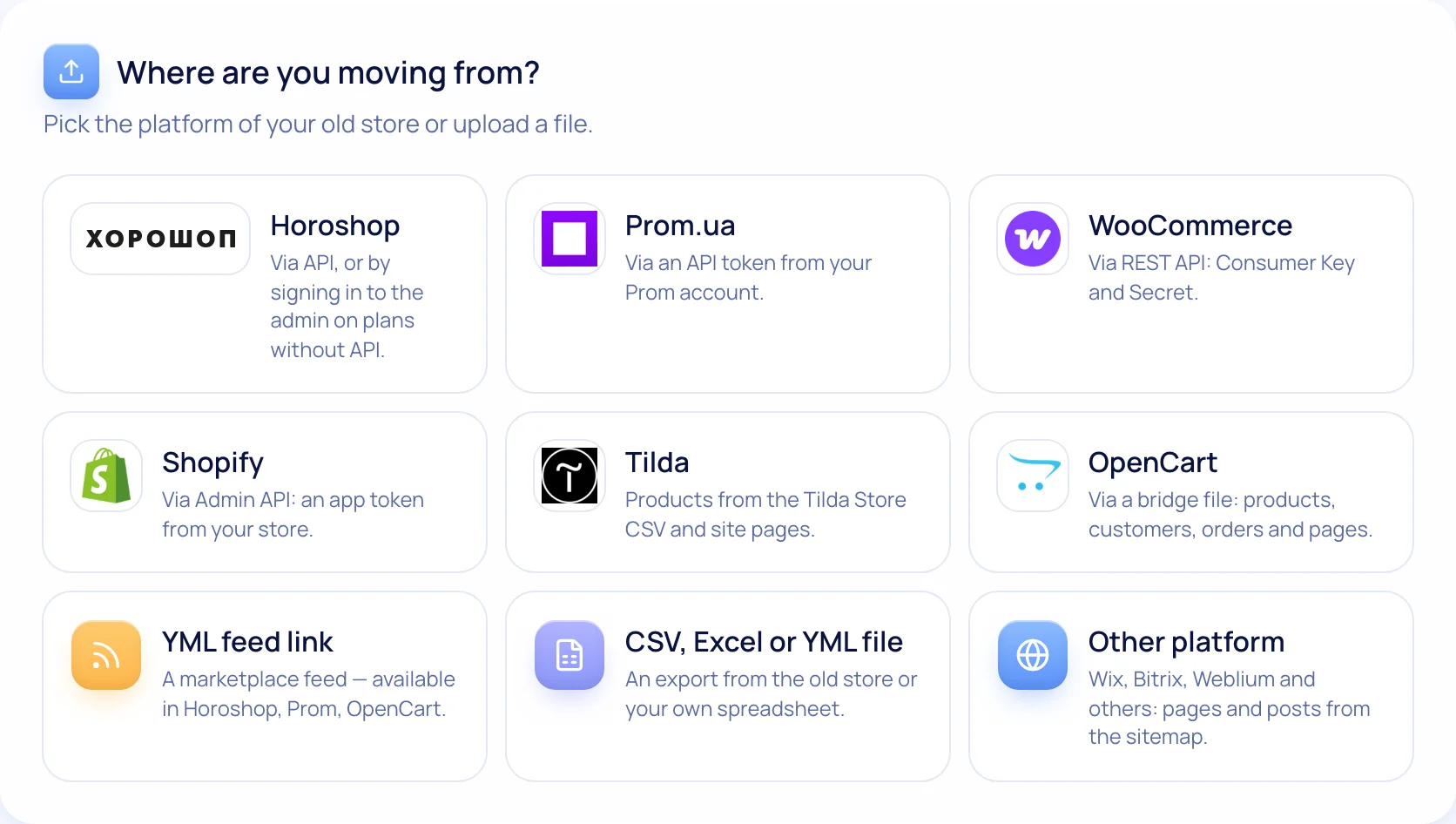
How to move from Horoshop
- 1
Enter the domain and access
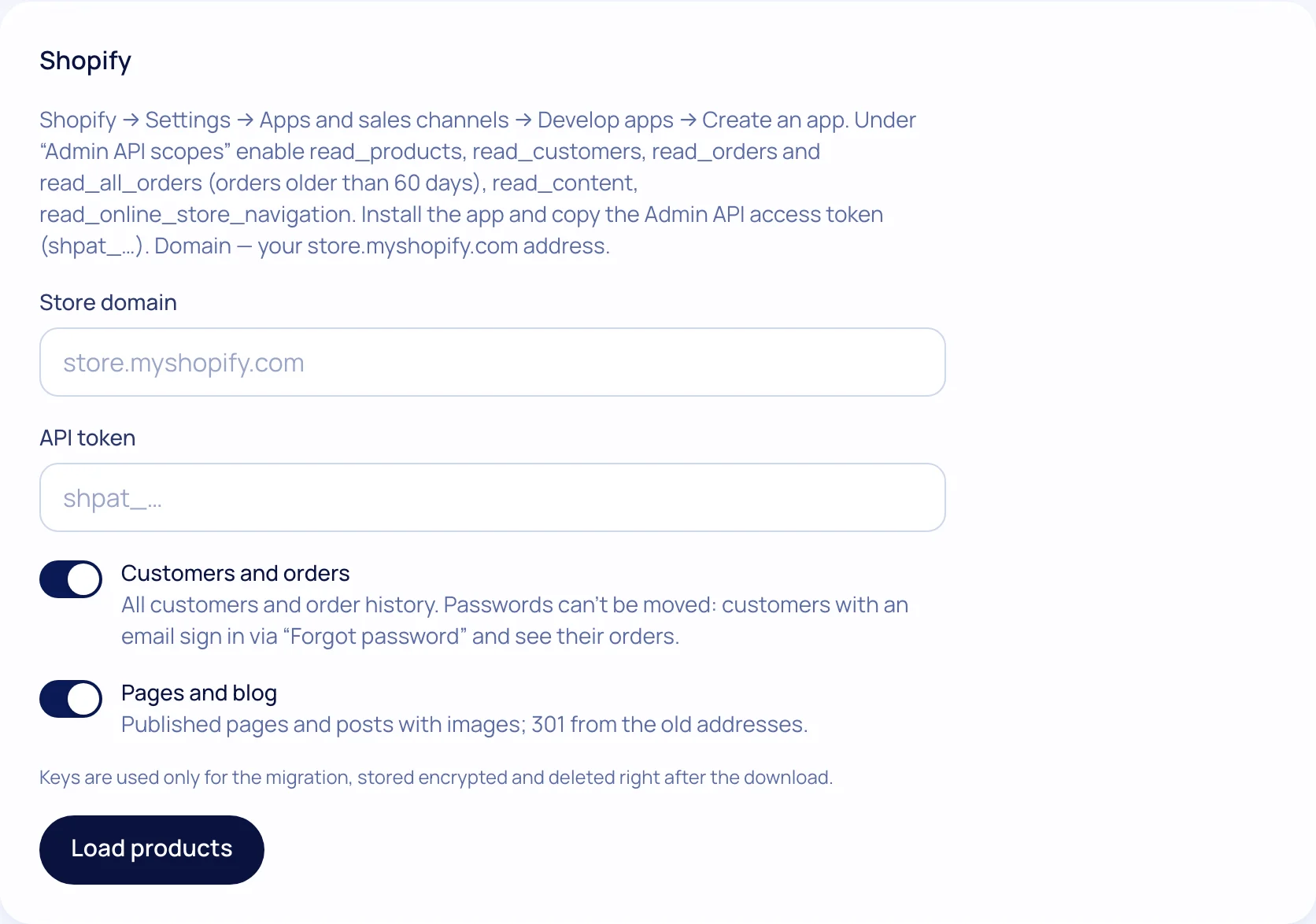
Your Horoshop domain, admin login and password.
- 2
We fetch the catalog
If your plan has API access, we use it. If not, we make a “Prom (ua+ru)” export, like the “Export” button in products. Then we log out; the password isn’t stored.
- 3
Pages and 301s
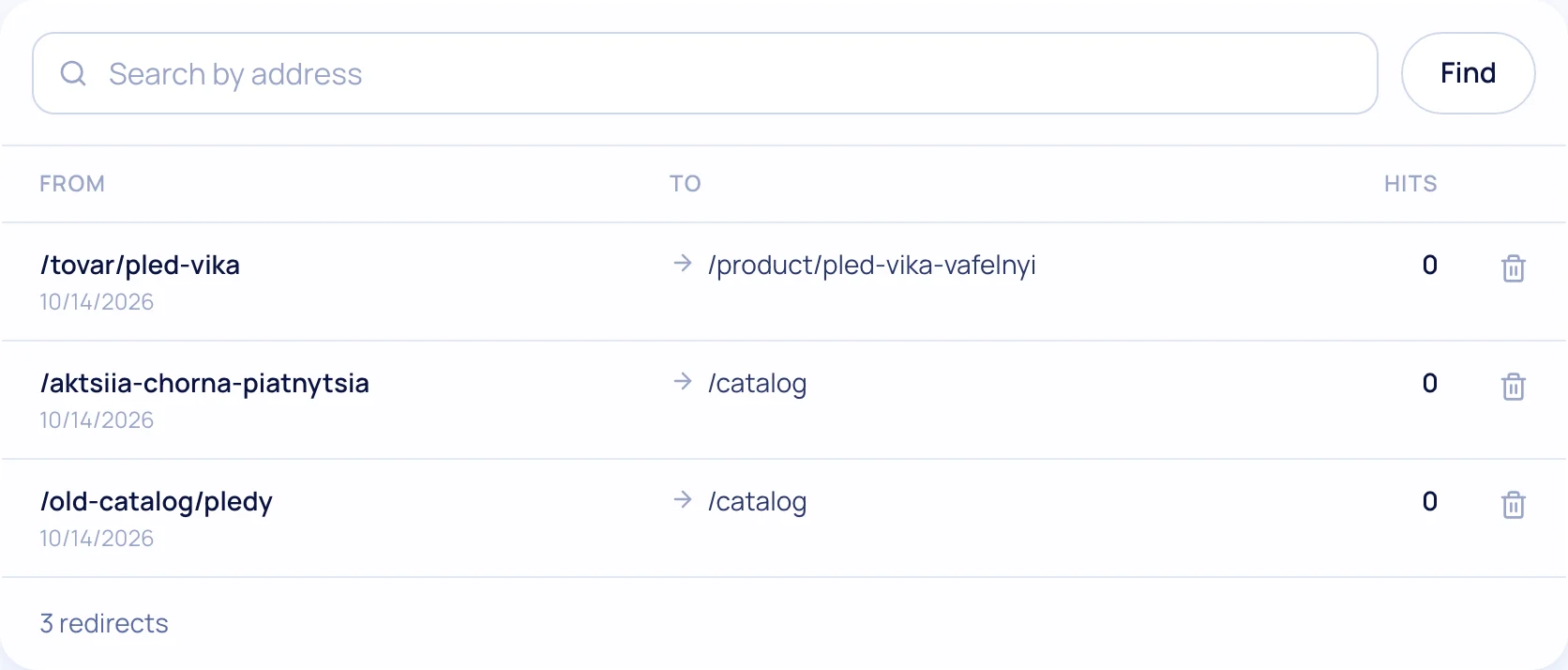
We read the sitemap: page texts and a redirect for every URL.
- 4
Switch the domain
Once you’ve checked the new store.
What moves over
Products and categories
Names and descriptions in Ukrainian and Russian, prices, photos, availability.
Pages
Texts and photos from the sitemap — layout in our editor.
301s for every URL
Products, categories, pages and URLs with parameters.
Instalments from the first plan
monobank and PrivatBank — already on Start.
Checklist for moving without losing rankings
Tick off the steps — your progress is saved in your browser.
0 of 7 done
Your ticks are saved in this browser
Migration questions
Will Google traffic drop after the move?
A small fluctuation in the first 1–3 weeks is normal: Google recrawls the site. For rankings to move to the new pages, every old URL gets a 301 redirect. We read the old sitemap and set 301s automatically, and show uncertain matches in a “Review” list.
Will the old site stop working?
No, not until you switch the domain yourself. Check the new store first, then switch.
Can I transfer again if I changed products?
Yes. A repeat transfer updates existing products instead of creating duplicates.
Which plan includes migration?
On every plan and during the 14-day trial.
What else the store gets
Test the move on your own catalog
The preview shows how many products and pages will move — before you start.