
Selling abroad
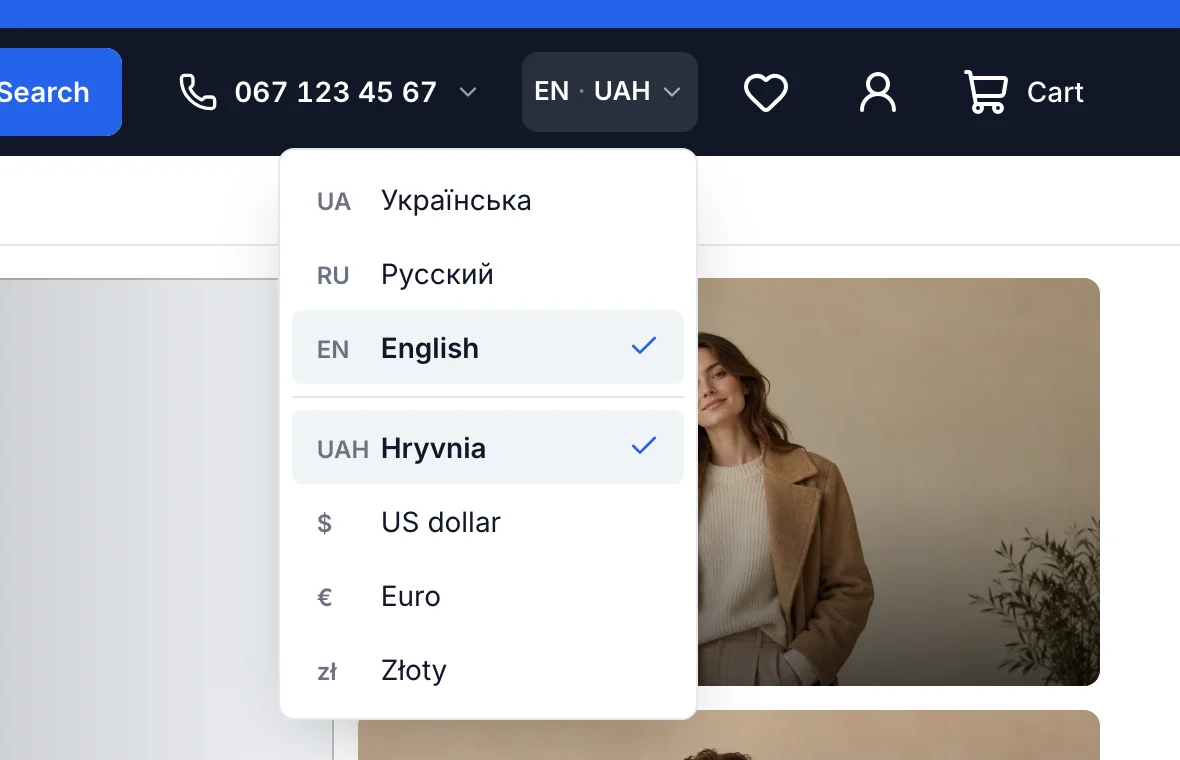
One store, several languages and currencies
Each language has its own addresses and translations for Google. Prices show in the shopper’s currency at the NBU rate or yours, while payment runs in your store currency.
How it works
Four steps and you’re done
- 1
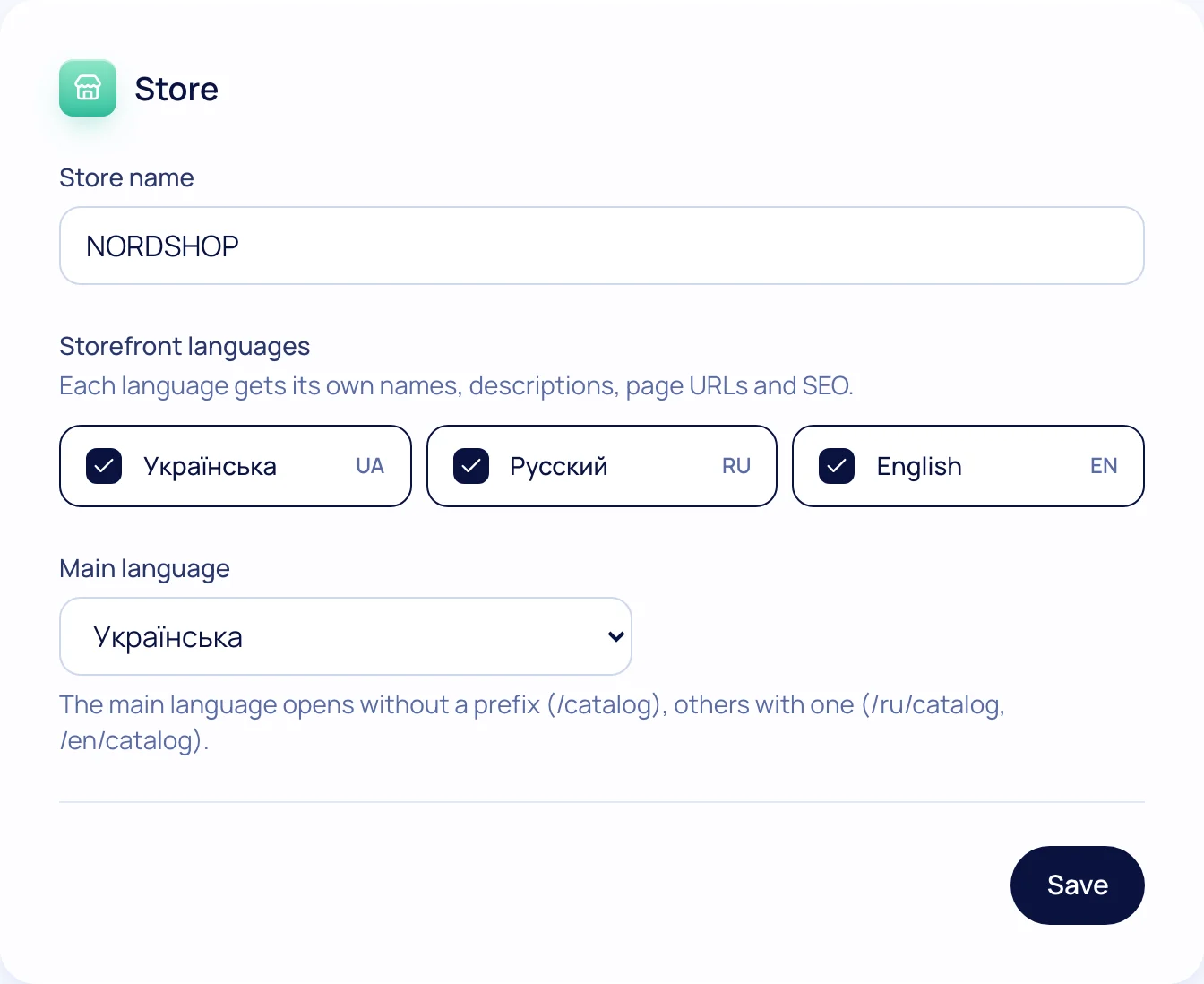
Turn on languages
Ukrainian, English, Russian — main and extra.
- 2
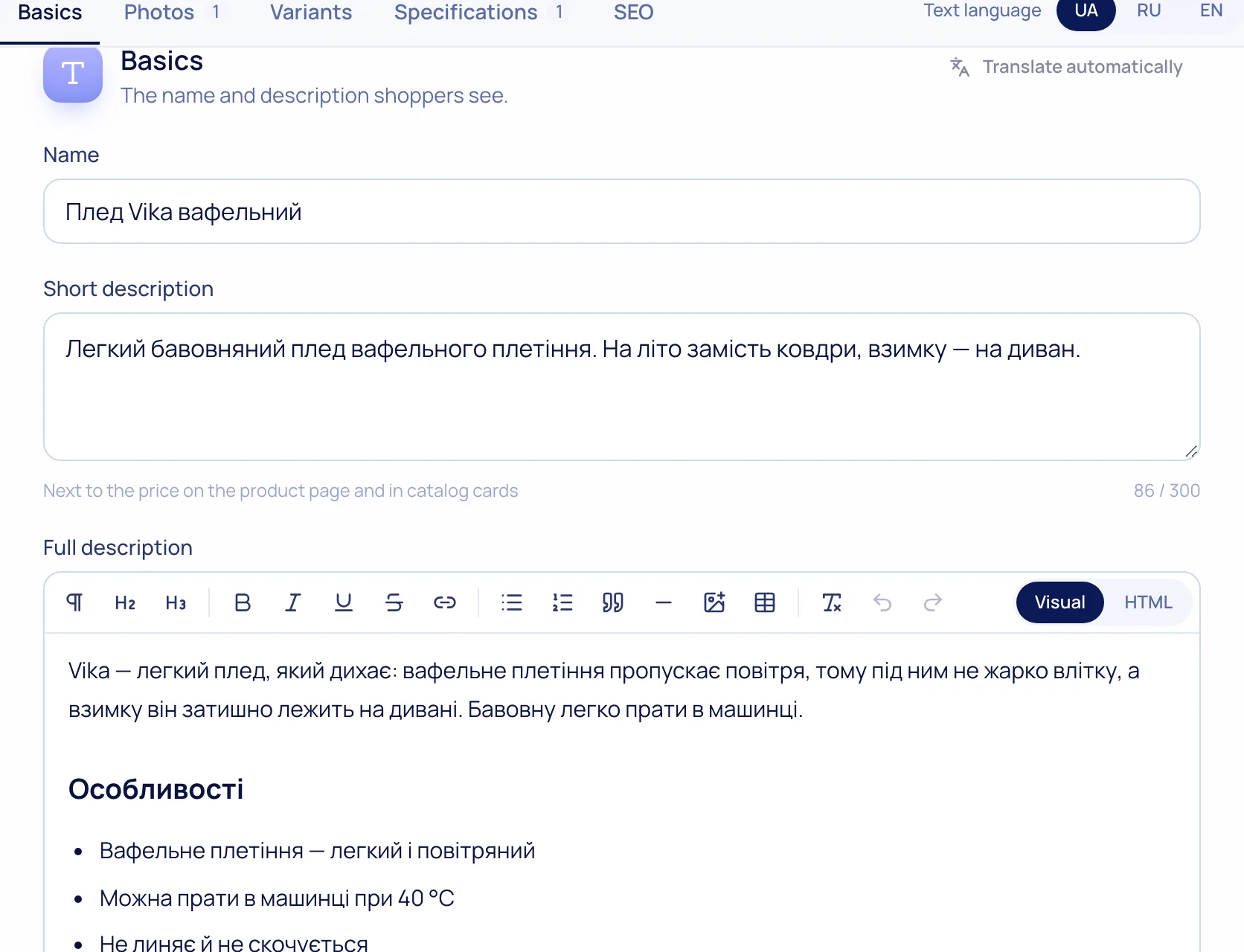
Translate
By hand or with “Translate automatically” (AI).
- 3
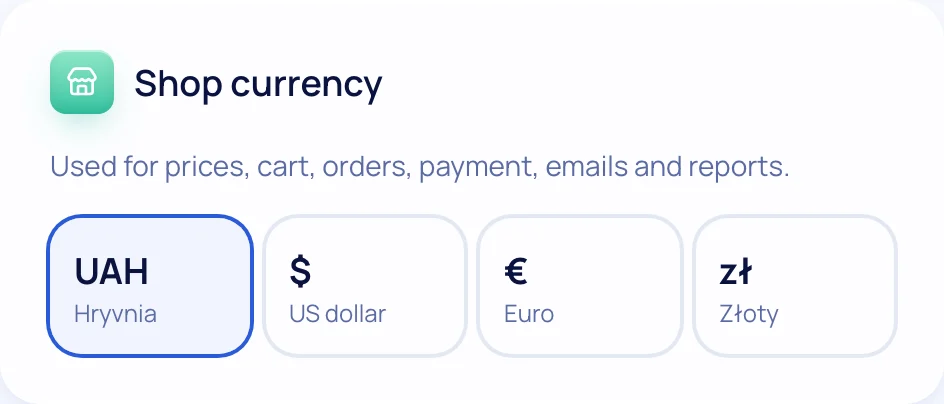
Add currencies
Daily NBU rate or your own; a switcher on the storefront.
- 4
Sell
Shoppers see a clear price; you get paid in your currency.
What’s included
Everything you need is already here
Per-language URLs
/ru/…, /en/… with hreflang for Google.
AI translation
Products, categories, pages and banners in one click.
Multi-currency
UAH, USD, EUR, PLN; your base currency.
NBU rate
Updated daily, or set your own.
Storefront switchers
Language and currency in the header.
Emails in shopper language
Confirmations and statuses in the language used at checkout.

Try it on your own store
14 days free on the Business plan, no card needed.