
How to open an online store in Ukraine: a step-by-step plan for 2026
10 steps from idea to first order: niche, sole proprietor registration, acquiring and PRRO, platform, catalog, delivery, trust pages and first traffic. With an interactive checklist.
Команда TRUNLY4 min read

In 2026 you can open an online store in Ukraine in a week — if you know the order of steps. Most often the launch drags on not because of the website but because of small things: the wrong sole proprietor group, no software cash register (PRRO), no “Shipping and payment” page, buyers messaging you instead of checking out. Below is the step-by-step plan we see in stores that launch without chaos.
Step 1. Niche and demand: check that people search for the product
Before buying your first batch, check three things:
- Do people search for it? Google Trends (region “Ukraine”) shows whether interest is growing or falling and when the season is. For example, Ukrainians most often decide to “open a store” in January–April.
- Who already sells it and for how much? Look at prices on Prom and Rozetka: if your purchase price plus delivery doesn’t leave at least a 30–40% margin for ads and returns, the niche will be tough.
- How are you different? Your own brand, fast shipping, a size chart, advice — something the buyer will notice on the product page.
Step 2. Register as a sole proprietor (FOP) and choose a group
For most online stores, group 2 or 3 of the simplified tax system works. Group 1 doesn’t fit online trade: it may only sell from market stalls. The main activity code (KVED) is 47.91 “Retail sale via the Internet” (valid until 1 January 2027, after which NACE 2.1-UA codes by product type apply).
Which group to choose, the 2026 income limits and the monthly payments are covered separately: “Which FOP group an online store needs”.
Step 3. Business account, acquiring and PRRO
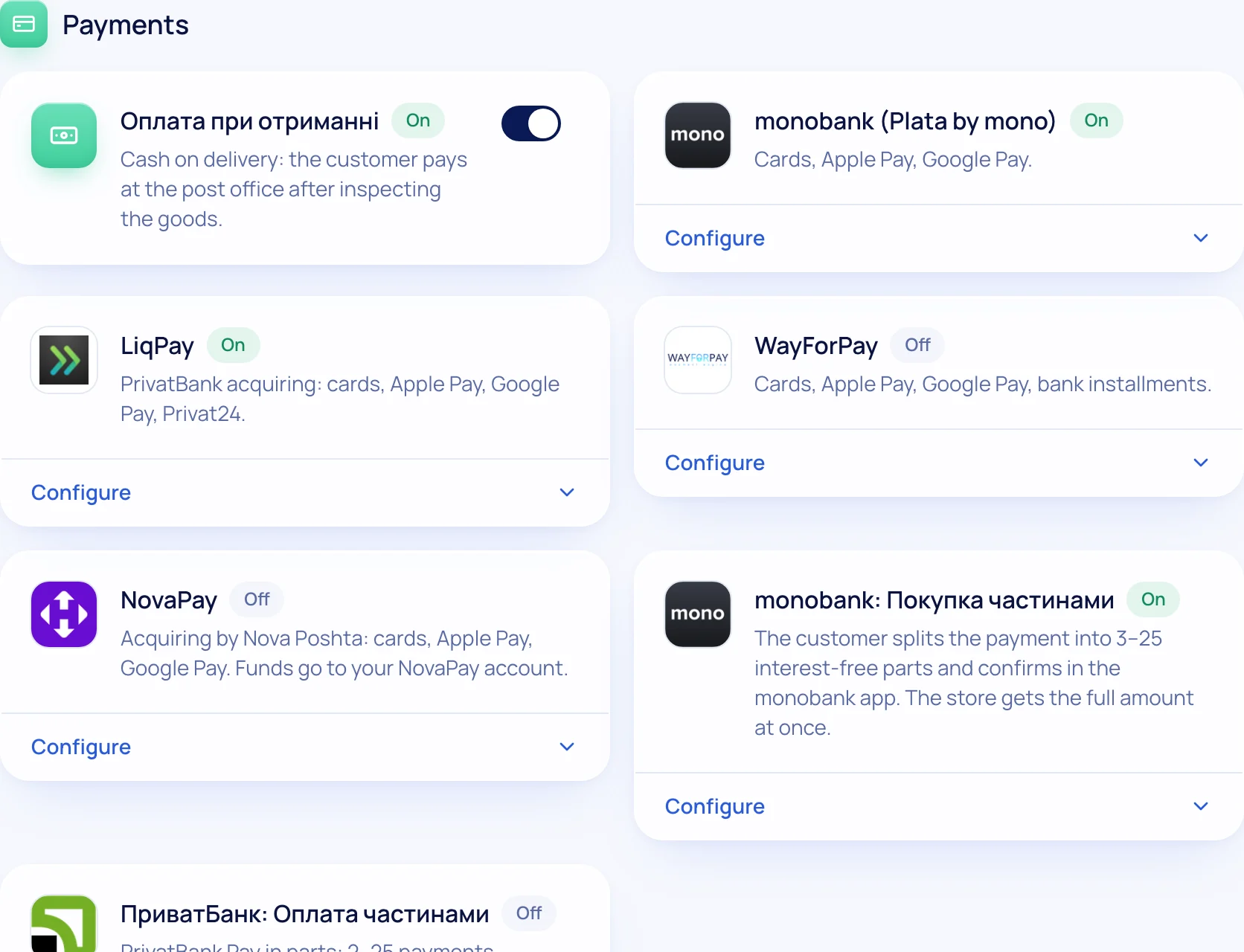
To accept card payments on the site you need online acquiring: monobank, LiqPay (PrivatBank), WayForPay or NovaPay. You sign the contract with the service and simply paste the keys into the store.
If buyers pay by card on the site, in most cases you need a PRRO — a software cash register (Checkbox, Vchasno.Kasa). When it’s required and when it isn’t (IBAN transfer, cash on delivery) is explained in “Software cash registers (PRRO) for an online store”.
Step 4. Supplier, storage and packaging
Agree on shipping times, returns of defective goods and product photos. If you work from a small stock at home, decide in advance where the boxes, tape and waybills will go. It sounds trivial, but packaging eats hours in the first month.
Step 5. Choose a platform
There are three paths: a store on a marketplace, a CMS on your own hosting (OpenCart, WooCommerce) or a SaaS platform. Here’s a comparison:
| Marketplace | CMS | SaaS platform | |
|---|---|---|---|
| Start | fast | weeks, needs a developer | fast |
| Sales commission | yes | no | no |
| Your own domain and brand | no | yes | yes |
| Nova Poshta, payments, PRRO | by the platform’s rules | modules | built in |
| Updates and security | the platform | you | the platform |
How not to get the choice wrong — in our comparison of online store platforms.
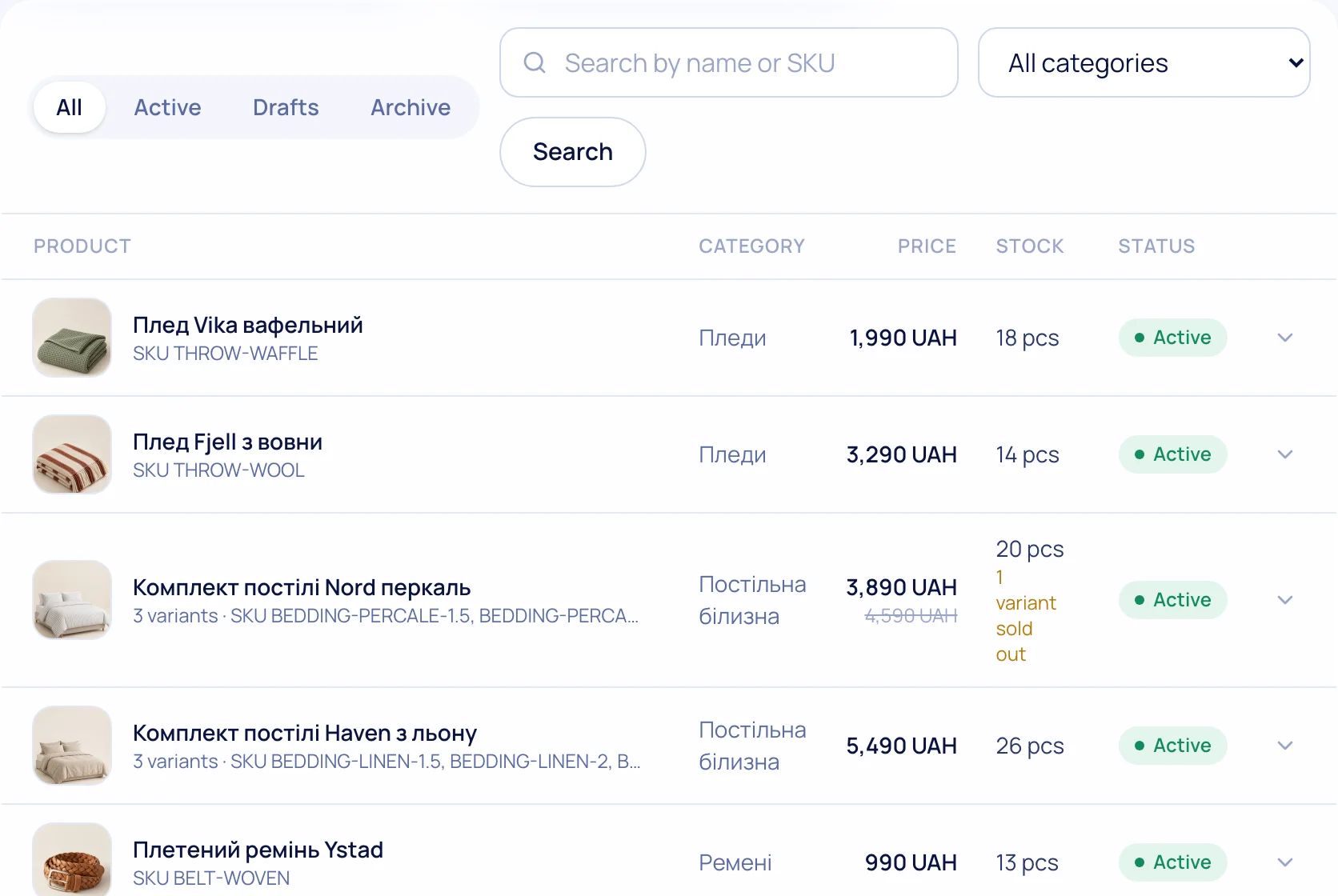
Step 6. Fill the catalog
- Photos — at least 3 per product: overall view, detail, in use. The same background and lighting on every product page.
- Name — the way buyers search: “Oversized merino wool sweater, olive”, not “Model 2047”.
- Variants — size and colour as variants of one product, with separate stock.
- Description — materials, sizes, care, who it’s for. The size chart goes on a separate page with a link.
Step 7. Delivery and payment at checkout
The buyer should pick a city and a Nova Poshta branch from a list, not type the address in a comment. Connect a Nova Poshta API key and branches, parcel lockers and courier delivery appear at checkout, while waybills are created from the order page. Details in “Nova Poshta for an online store”.
Add instalments (monobank “Pay in parts”, PrivatBank “Instalments”) — for products over a few thousand hryvnias, this noticeably affects the decision.
Step 8. Pages people trust
Before the first order, people look for answers: who is selling, how to return, how long to wait. The minimum: “About us” (with real photos or a story), “Shipping and payment”, “Exchanges and returns”, contacts with a phone number and messengers, a privacy policy.
Step 9. Analytics before the first traffic
Connect Google Analytics 4 and Search Console before you start advertising — otherwise your first ad money is spent blind. The store should send the “add to cart” and “purchase” events by itself.
Step 10. First traffic
- Instagram and Telegram — a catalog link in your bio and stories.
- Google Merchant Center — products in Google Shopping. Guide: “Google Merchant Center for an online store”.
- Marketplaces — Rozetka and Prom as an extra channel via feeds.
- Google Ads — search ads for queries with the product name.
How much it all costs together — check in the online store cost calculator.
Launch checklist
Tick off the steps — your progress is saved in your browser.
Online store launch checklist
0 of 12 done
Your ticks are saved in this browser
Ready to start? TRUNLY gives you 14 days on the Business plan for free, no card required — enough to complete steps 5–9 and take your first order. Create a store.
Questions and answers
How long does it take to open an online store?
If you’re already registered as a sole proprietor, a store on a platform can launch in a few days: a theme, 10–20 products, delivery and payments. Photos and product descriptions usually take the longest.
Can I open an online store without registering as a sole proprietor (FOP)?
Regular sales require registering a business. Without it you can’t legally accept payments through acquiring or issue receipts.
Which FOP group does an online store need?
Usually group 2 or 3. Group 1 doesn’t fit online trade. Details in “Which FOP group an online store needs”.
What’s better to start with: a marketplace or your own website?
A marketplace brings quick buyers but takes a commission and doesn’t give you your own customer base. The best combo is your own site as the foundation and a marketplace as an extra channel via feeds.