Nova Poshta for an online store: how to connect it and create waybills automatically
API key, branches and parcel lockers at checkout, waybills from the order, tracking and SMS to the buyer. A step-by-step guide plus the details of cash on delivery.
Команда TRUNLY3 min read
For most Ukrainian online stores, Nova Poshta is the main delivery method. The difference between “we ship with Nova Poshta” and “Nova Poshta is connected to the store” is hours of work every week: copying addresses, filling in waybills by hand, answering “where is my parcel?”. Here’s how to set everything up once.
What the Nova Poshta integration gives you
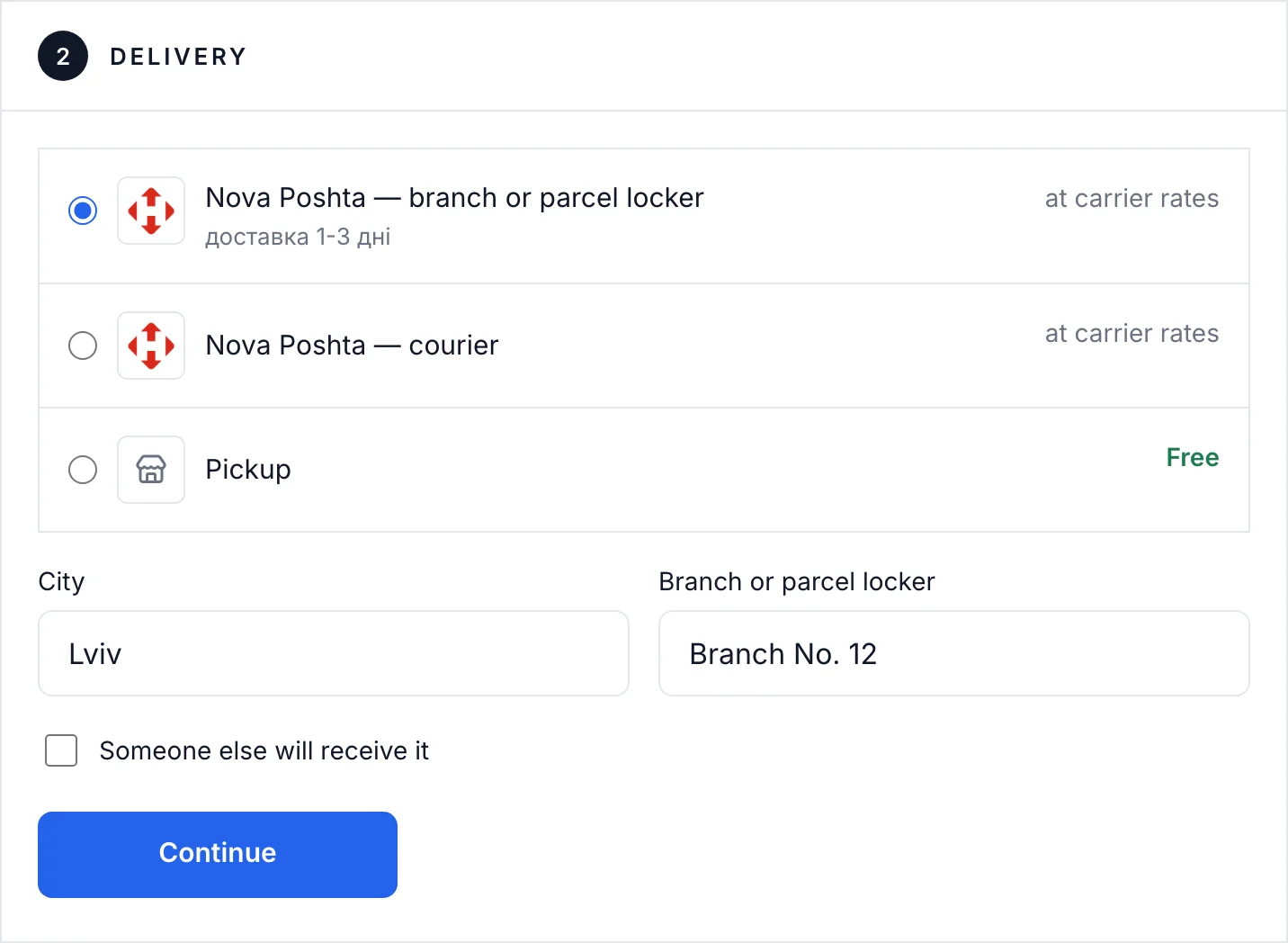
- Branches picked from a list at checkout. The buyer chooses a city and a branch or parcel locker — no mistakes in the address.
- Waybills from the order page. Recipient details, weight and declared value are filled in automatically.
- Tracking. The parcel status updates in the order list, and the buyer gets the waybill number.
- Fewer calls. No need to confirm addresses or explain where the parcel is.
Step 1. Get an API key
The API key is created in the Nova Poshta business account. If you don’t have one yet, register it as a sole proprietor (FOP). The key is a string of characters that lets the store read directories and create waybills on your behalf. Never send it to anyone in messengers.
Step 2. Paste the key into the store
In TRUNLY: “Settings → Delivery → Nova Poshta”. After saving, the sender details (your city and branch) are pulled from your account automatically.
Step 3. Set up delivery methods
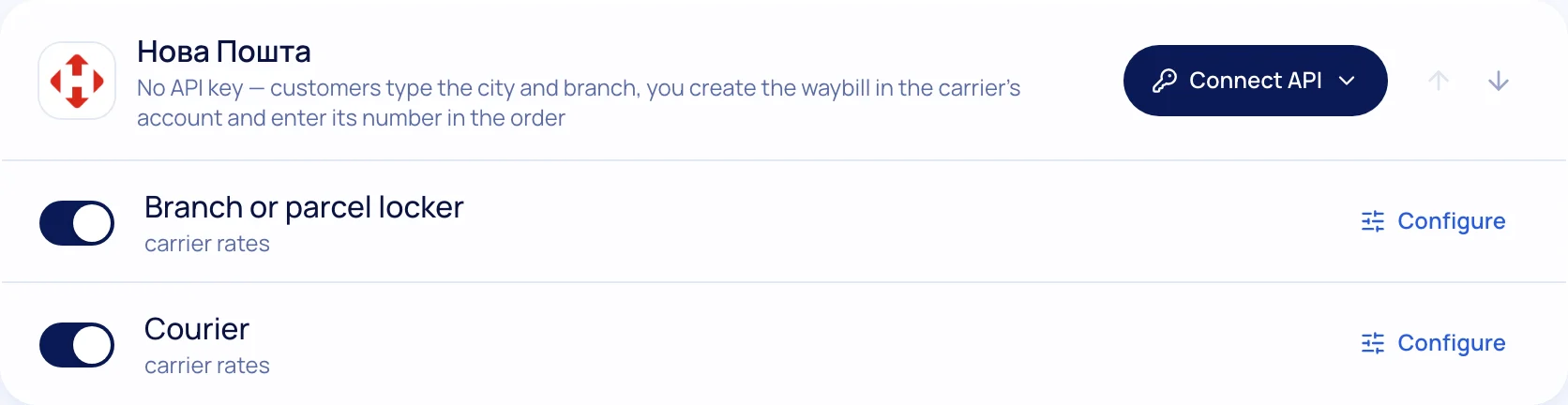
Branch, parcel locker, courier — turn on the ones you can handle. Add terms: “free shipping from a certain amount”, estimated delivery times, “ships today if you order before 2 pm”. These hints on the product page noticeably reduce doubts before buying.
Step 4. Create waybills from the order
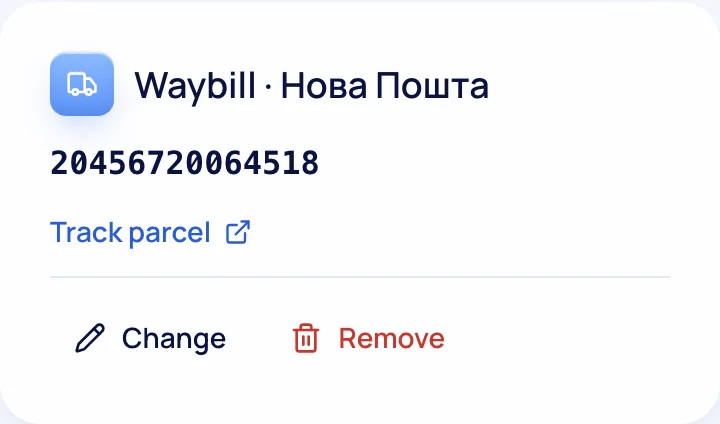
Open the order → “Create waybill”. The buyer’s details are already filled in; you only check the weight and number of parcels. You can also create waybills automatically after payment — handy when there are lots of orders.
Step 5. Tracking and buyer notifications
The parcel status is visible in the order list without going to the carrier’s website. The buyer gets the waybill number by email, and with TurboSMS also an SMS or Viber message when the parcel is shipped and delivered.
Cash on delivery: what you need to know
Cash on delivery suits buyers who don’t trust prepayment, but it has downsides: refused parcels (the seller often pays for the return shipping) and delayed money. A good practice is to offer card payment or instalments alongside cash on delivery and, if needed, take a small prepayment for large orders. Receipts for cash on delivery are covered in “Software cash registers (PRRO) for an online store”.
Ukrposhta and Meest
Some buyers prefer Ukrposhta (cheaper for light parcels, available in small towns) or Meest. In TRUNLY they connect the same way — with an API key, branches at checkout and labels from the order page.
More about delivery on the platform on the “Online store with Nova Poshta” page.
Questions and answers
Where do I get a Nova Poshta API key?
In the Nova Poshta business account. Then paste it into the store’s delivery settings.
Can waybills be created automatically?
Yes: from the order page in one click, or automatically after payment.
Can the buyer see the parcel status?
They get the waybill number by email, and with TurboSMS an SMS or Viber message when it is shipped and delivered.