
How to move a store from Prom to your own website without losing sales
When it’s time to switch, why you shouldn’t close Prom, how to transfer products via API, set up delivery and payments, carry over trust and bring in the first buyers.
Команда TRUNLY2 min read

You’ve been selling on Prom for a year or two, you have reviews, orders keep coming — but all of it works for the platform. Your own website is the next step: your own domain, your own customer base, ads without competitors next to you. Here’s how to switch without losing sales.
When it’s time to switch
- you pay the platform noticeable money every month — a package plus commissions;
- buyers come back, but you can’t reach them outside Prom;
- you want to advertise your brand, not a page on the platform;
- you need features the Prom website builder doesn’t have.
You don’t need to close Prom
The safest path isn’t a “move” but a “second channel”. Keep your store on Prom and open your own website alongside it. When the site starts bringing steady orders, you’ll decide what to do with Prom. And to avoid maintaining the catalog twice, send products from your store to Prom with a feed.
Step 1. Transfer products via API
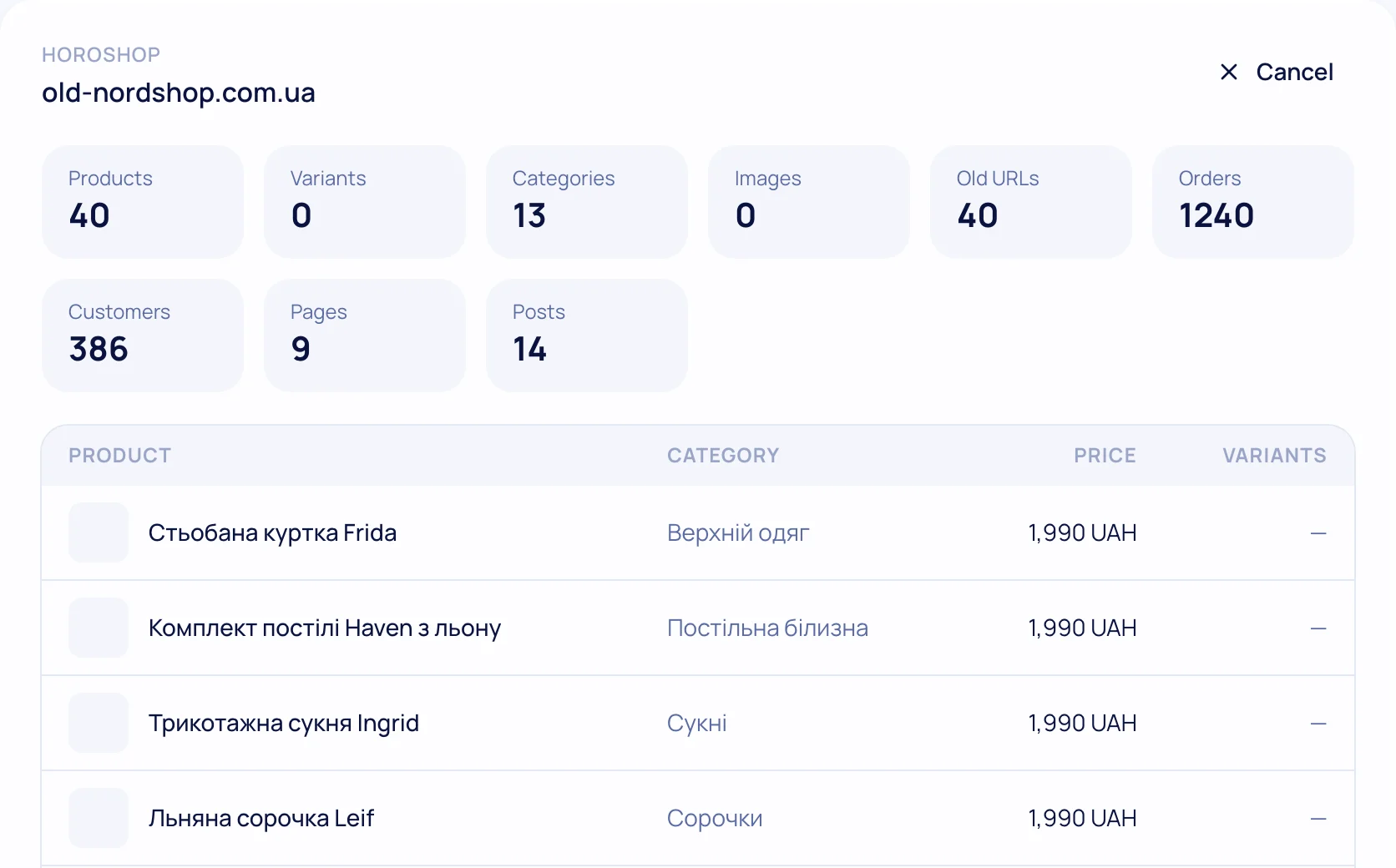
In your Prom account: “Settings” → “API token management” → create a token with access to products and groups. In TRUNLY: “Catalog → Import → Prom” → paste the token. Within a few minutes you’ll see a preview: how many products and groups were found. Names, descriptions, prices, photos and availability move over in Ukrainian and Russian, and groups become categories.
Step 2. Set up delivery and payments
On Prom, the platform handles part of this. On your own site, connect a Nova Poshta API key, acquiring and a PRRO — 15–20 minutes in the settings. Guides: Nova Poshta, payments, PRRO.
Step 3. Carry over trust
Reviews on Prom belong to the platform, but your experience doesn’t. Add an “About us” page to the site with the number of orders shipped, photos of your warehouse or team and real contacts. Ask regular customers to leave a review on the site — reviews with photos go into the markup for Google.
Step 4. Your own domain
Connect a domain (on TRUNLY — on any plan). If you had a Prom company site with your own domain, check which URLs Google already knows before switching and set up 301 redirects — that way rankings move to the new pages.
Step 5. Bring in your first audience
- a card with your website address and a promo code in every Prom parcel;
- a link to the site on Instagram, Telegram and Viber;
- Google Merchant Center — products in Google Shopping;
- search ads for your brand name.
Migration checklist
Migration checklist without losing rankings
0 of 10 done
Your ticks are saved in this browser
More about the transfer on the “Moving from Prom to your own website” page.
Questions and answers
Can products be transferred from Prom automatically?
Yes, with an API token from your Prom account: names, descriptions, prices, photos, availability and groups.
Do I have to close my store on Prom?
No. It’s safer to keep Prom as a second channel and send products there with a feed from your store.
Will my Prom reviews be transferred?
Reviews belong to the platform. Collect new ones on your site — with photos they go into the markup for Google.