
Delivery
From order to Nova Poshta waybill in one click
The buyer picks a branch, parcel locker or courier at checkout. You create the waybill from the order page, and the parcel status updates by itself. No modules, no copying addresses.
Try 14 days free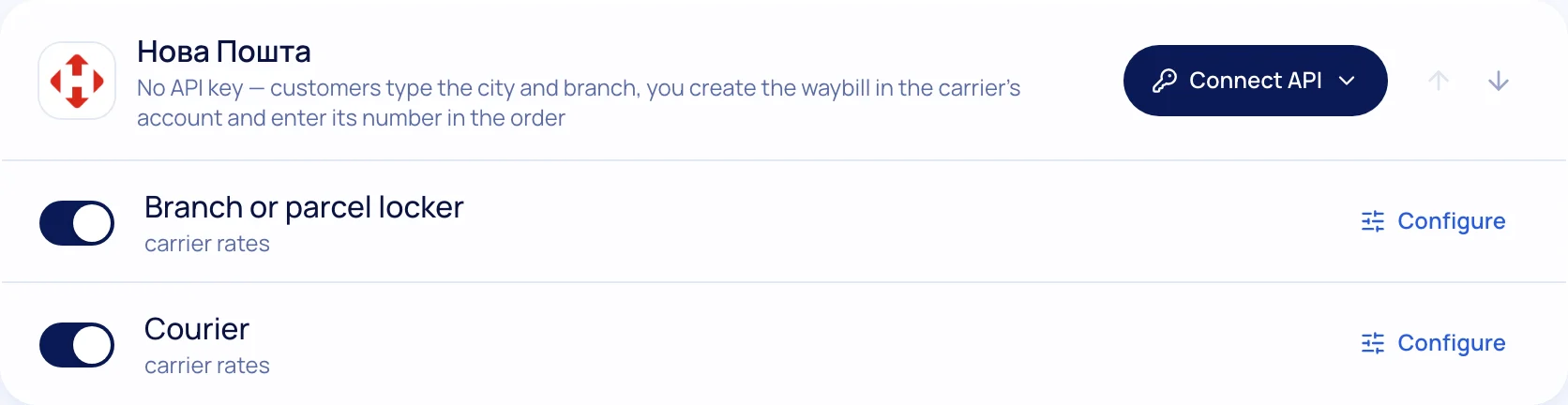
How to connect Nova Poshta
- 1
API key
Create a key in your Nova Poshta business account.
- 2
Paste it into the settings
“Settings → Delivery” — the sender details are filled in automatically.
- 3
The buyer picks a branch
City and branch from a list — no address mistakes.
- 4
Waybills and tracking
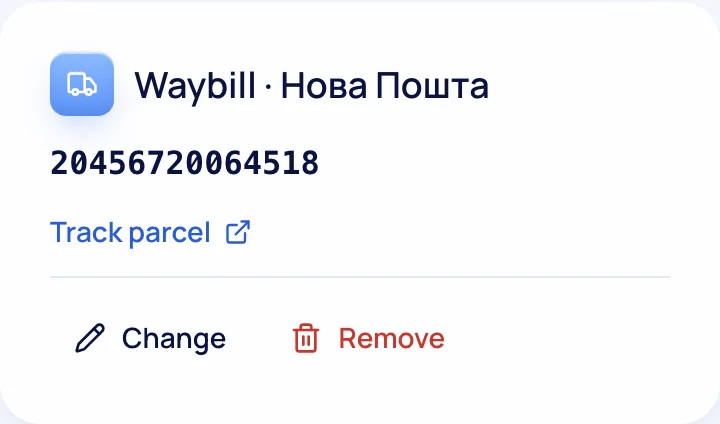
A waybill from the order page or automatically after payment.
Everything about delivery in one place
Three carriers
Nova Poshta, Ukrposhta and Meest — branches, parcel lockers, courier.
Different recipient
The buyer can send the parcel to someone else — no calls needed.
Delivery times on the product
“Ships today”, estimated date, “free from a certain amount”.
Labels
Print labels from the order page.
SMS and Viber
The buyer gets the waybill number and status (TurboSMS).
Your own methods
Pickup, local courier, any carrier with a manual waybill.
Delivery questions
Do I need a contract with Nova Poshta?
An API key requires a Nova Poshta business account. Delivery terms and rates are set by your contract with the carrier.
Who issues the receipt for cash on delivery?
According to the Tax Service, for cash on delivery through a postal operator the operator issues the receipt. Details in the article “Software cash registers (PRRO) for an online store”.
Connect Nova Poshta in 5 minutes
Create a store — 14 days free.