
Abandoned carts: how to win back shoppers who almost bought
Why shoppers abandon carts, what to fix in checkout, when to send a reminder, whether to offer a discount and how to measure how many shoppers came back.
Команда TRUNLY3 min read

Someone added a product to the cart, reached checkout — and left. Not because they changed their mind: they got a call, their phone died, they decided to compare prices. An abandoned cart is the warmest buyer you almost had. Winning them back costs less than bringing in a new one.
Why shoppers abandon carts
- Unexpected shipping cost — they only saw it at the last step.
- Checkout takes too long — extra fields, mandatory registration.
- No convenient payment method — for example, instalments.
- Doubt — no reviews, return policy or contacts.
- They simply got distracted. The most common reason — and the easiest to fix.
First, remove the causes
A reminder works better when checkout itself doesn’t push people away:
- Show shipping cost and timing right on the product page (“free from UAH 1,500”, “ships today”).
- Allow guest checkout; an account is optional.
- Keep only the fields you need: name, phone, city and branch.
- Offer instalments and cash on delivery next to card payment.
- Link to the return policy right in checkout.
The abandoned cart email: how it works
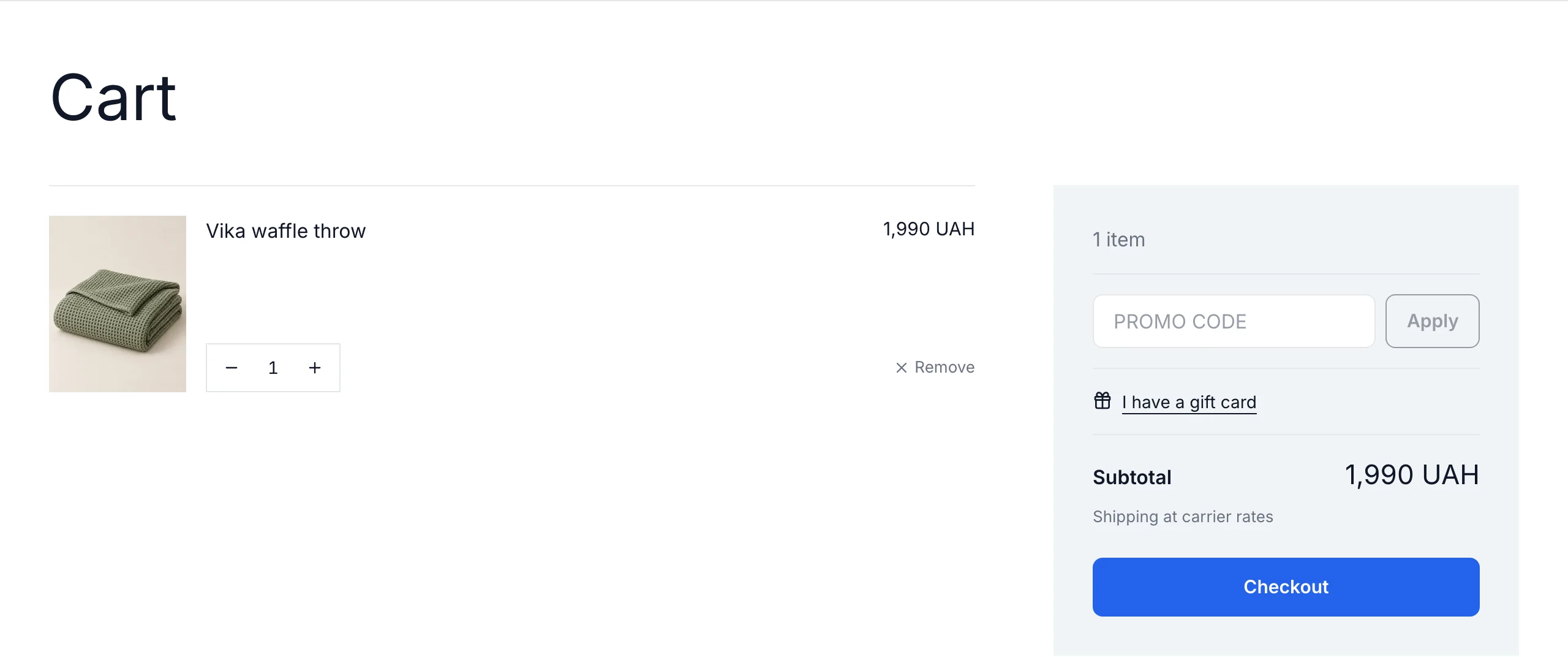
If a shopper left an email (at checkout or in their account) and didn’t complete the order, the store sends an email with their items and a “Back to cart” button. You can add a promo code — a small discount or free shipping.
When to send it
The first reminder works best a few hours after the person left, while interest is still alive. Don’t send a series of five emails: one or two are enough, after that it gets annoying.
Should you offer a discount?
Not always. If every email has a discount, shoppers learn to abandon carts on purpose. A sensible option is a promo code only in the second reminder, or only for carts above a certain amount.
What to write
- subject — short and human: “You left something in your cart”;
- product photos and names — the person should instantly recognise what they chose;
- one button — back to the cart;
- terms: shipping, returns, instalments — whatever removes doubt.
Other ways to win a shopper back
- Back-in-stock alerts — an email as soon as the right size is available again.
- Wishlist — a list in the customer account they come back to.
- Segmented newsletters — new arrivals and sales for people who bought similar products.
- Retargeting — Meta and Google ads for people who reached the cart (pixels must be connected).
How to set it up in TRUNLY
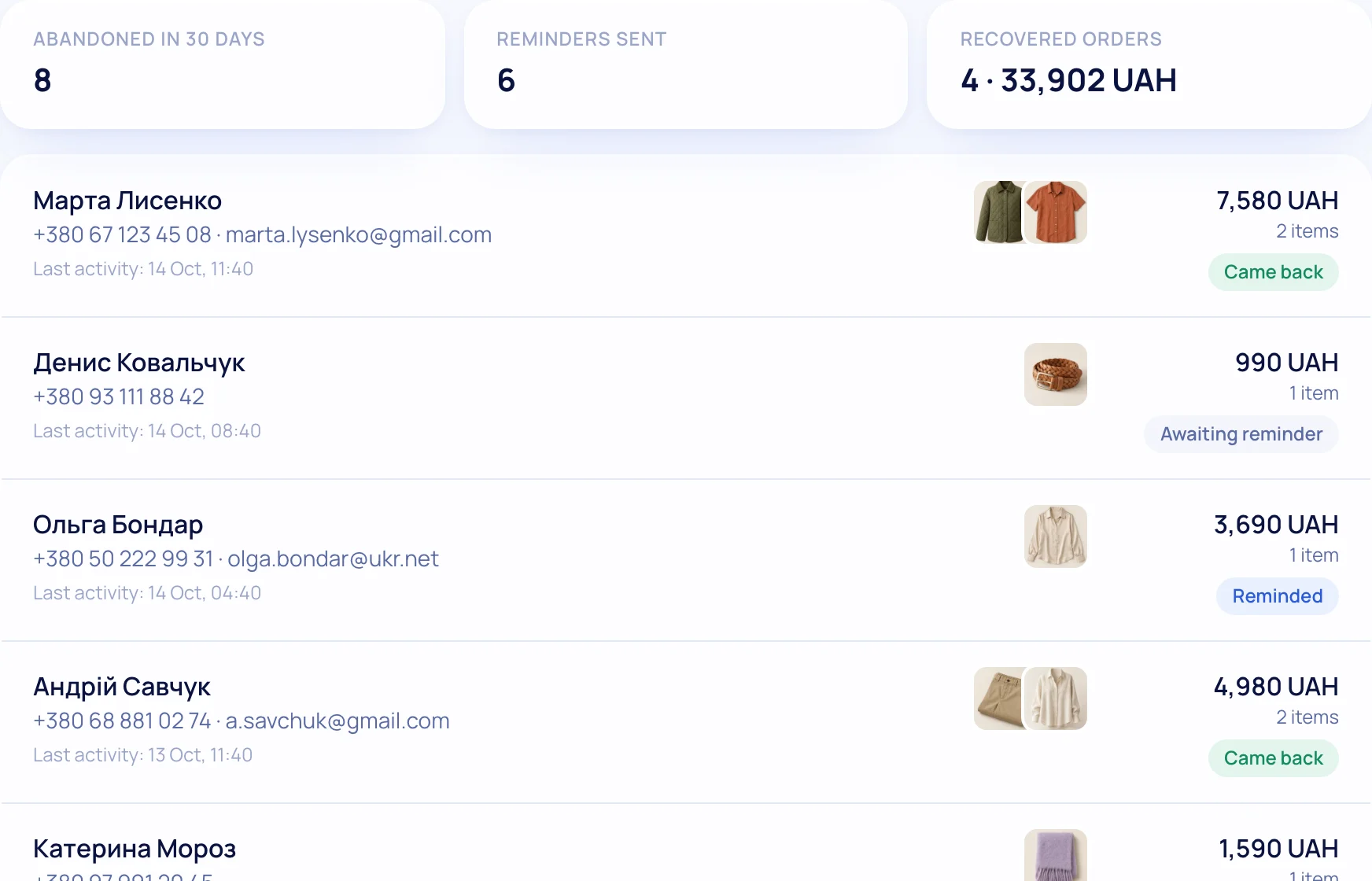
Abandoned carts are included in the Business and Pro plans. Turn on reminders, set the sending time and, if you like, a promo code. The report shows how many carts were abandoned and how many shoppers came back — so you can measure the effect instead of guessing.
More about bringing customers back on the “Customer retention” feature page.
Questions and answers
When should I send the abandoned cart email?
The first reminder a few hours later, while interest is alive. One or two emails are enough.
Should the email include a discount?
Not always: otherwise shoppers learn to abandon carts on purpose. Better a promo code in the second email or for carts above a certain amount.
Which TRUNLY plans include abandoned carts?
Business and Pro.