
Team & API
Work as a team, not alone
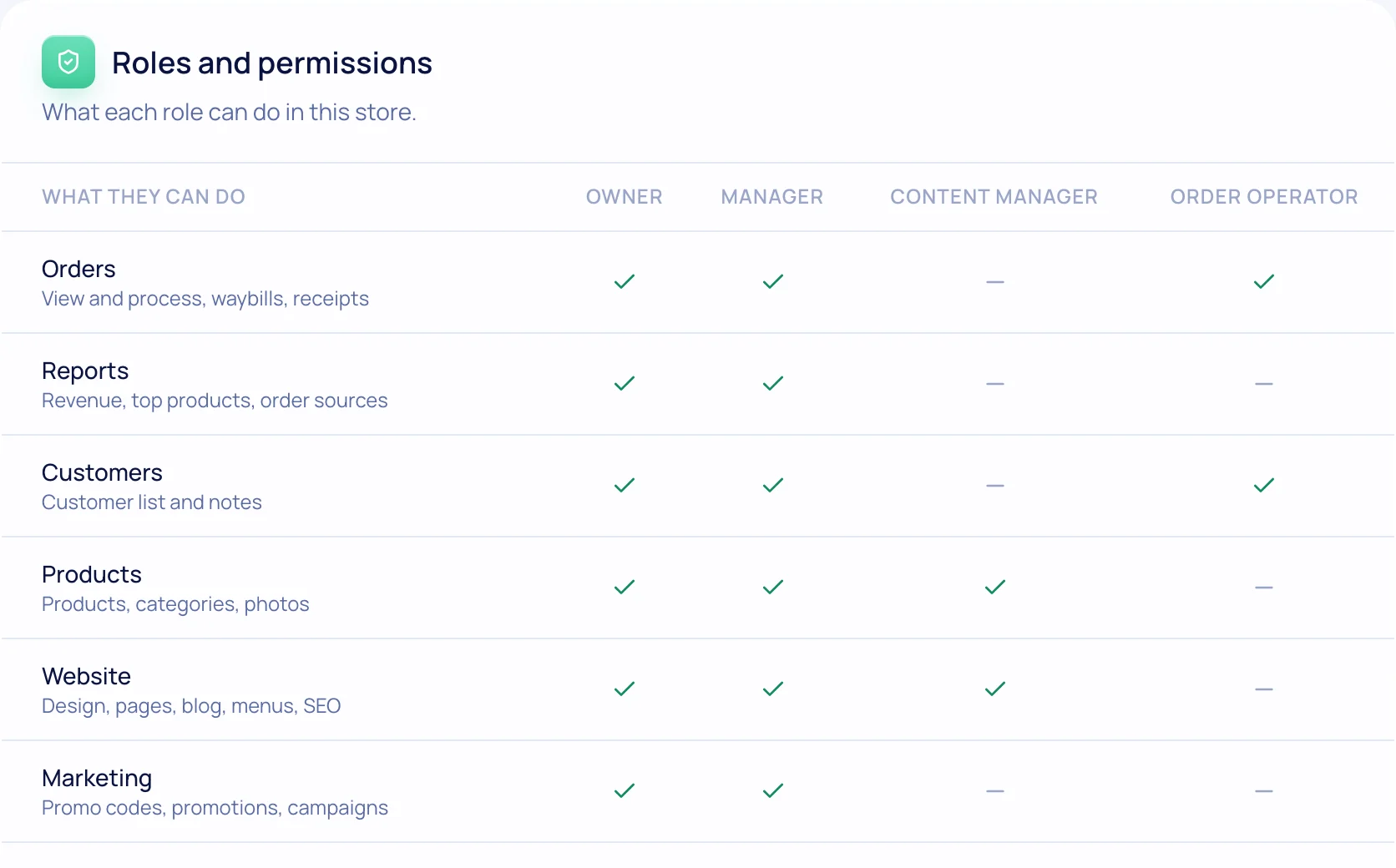
Managers see orders, content managers see the catalog and pages, operators see only their work. New orders arrive in Telegram, and the REST API and webhooks connect the store to your systems.


How it works
Four steps and you’re done
- 1
Invite your team
An invite email, sign-in with their own password.
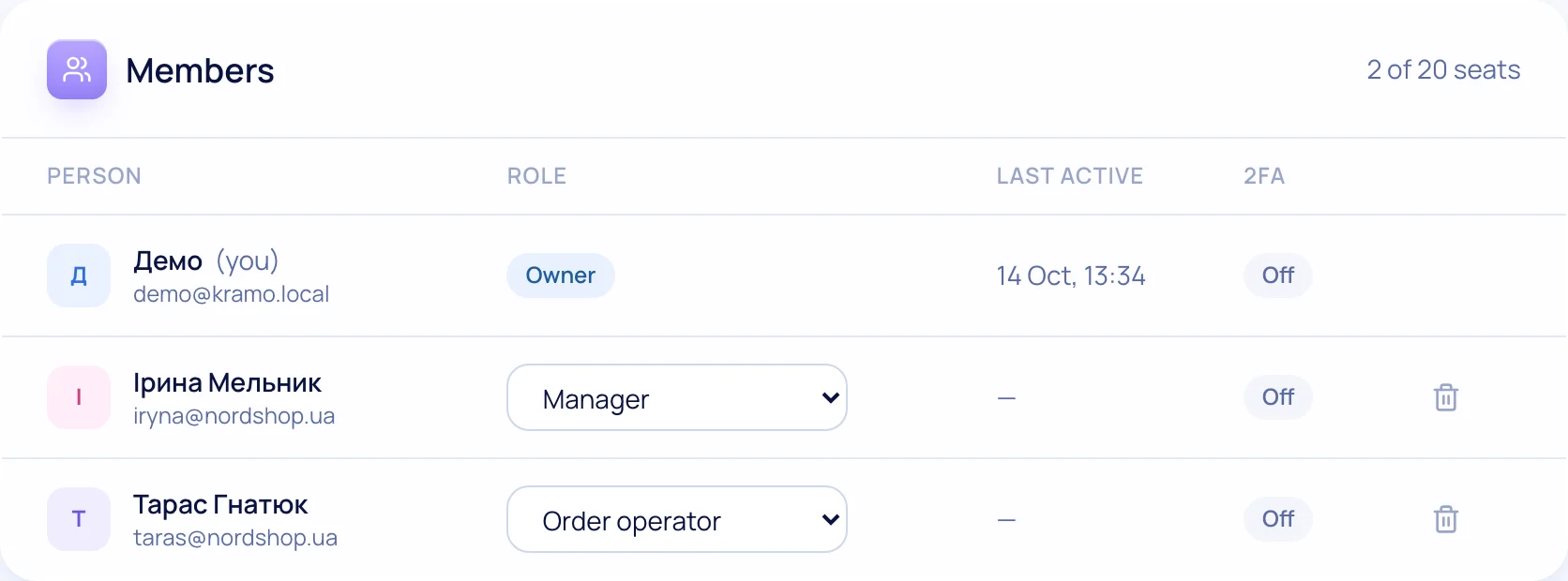
- 2
Assign roles
Manager, content manager, operator or a custom set.
- 3
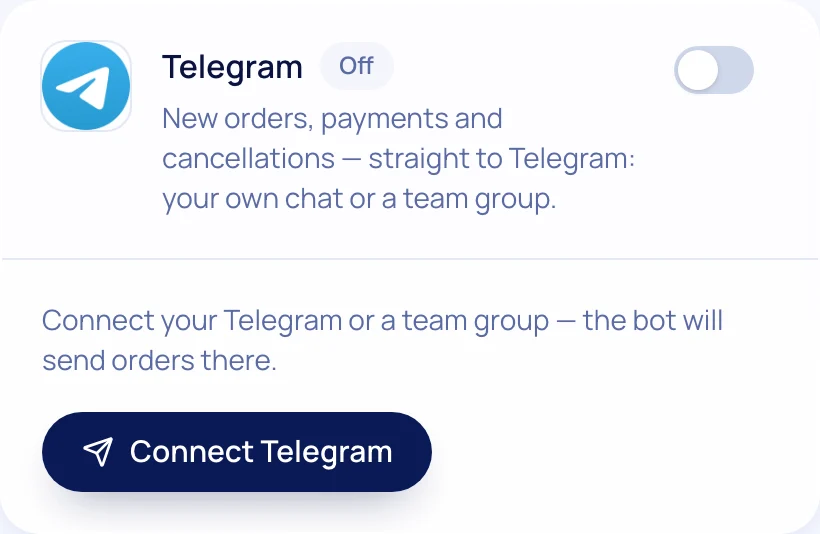
Get alerts
New orders and payments in Telegram — to a chat or group.
- 4
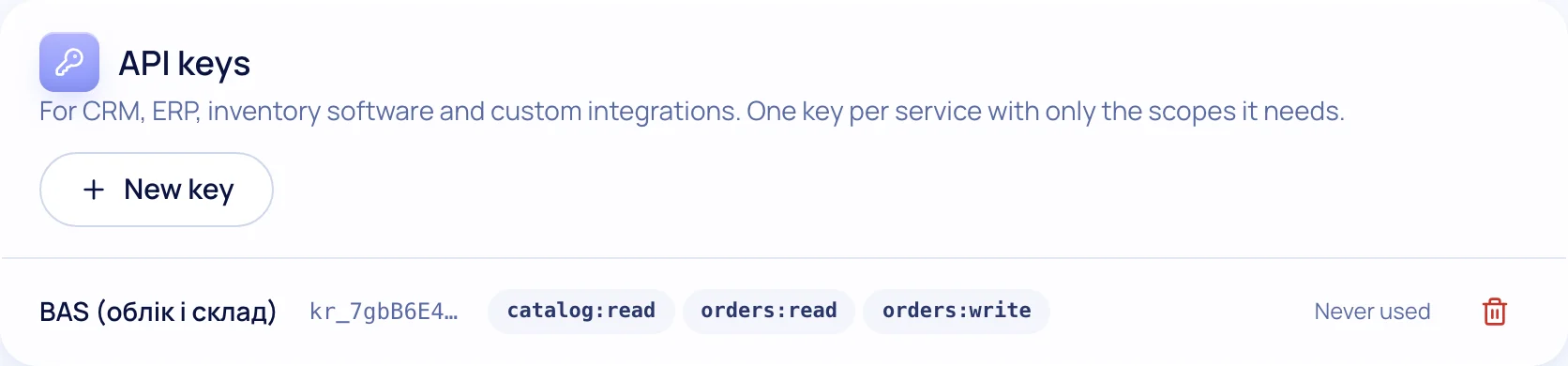
Integrate
REST API and order webhooks for CRM, warehouse and accounting.
What’s included
Everything you need is already here
Roles & permissions
Everyone sees only their sections.
Two-factor sign-in
App codes for the owner and team.
Support access
Support enters your store only with your permission and for a limited time.
Telegram alerts
Orders, payments, customer inquiries.
SMS & Viber
TurboSMS: received, shipped with tracking, delivered.
REST API & webhooks
Products, orders, stock — on the Pro plan.

Try it on your own store
14 days free on the Business plan, no card needed.