
Catalog & filters
A catalog where shoppers find things fast
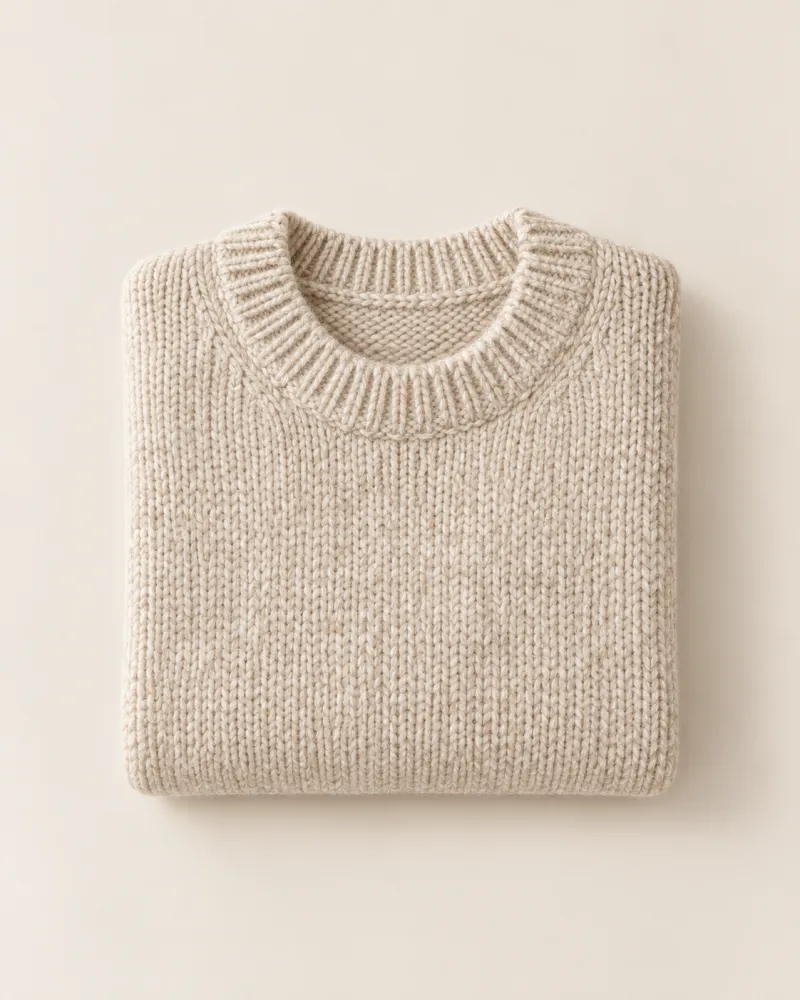
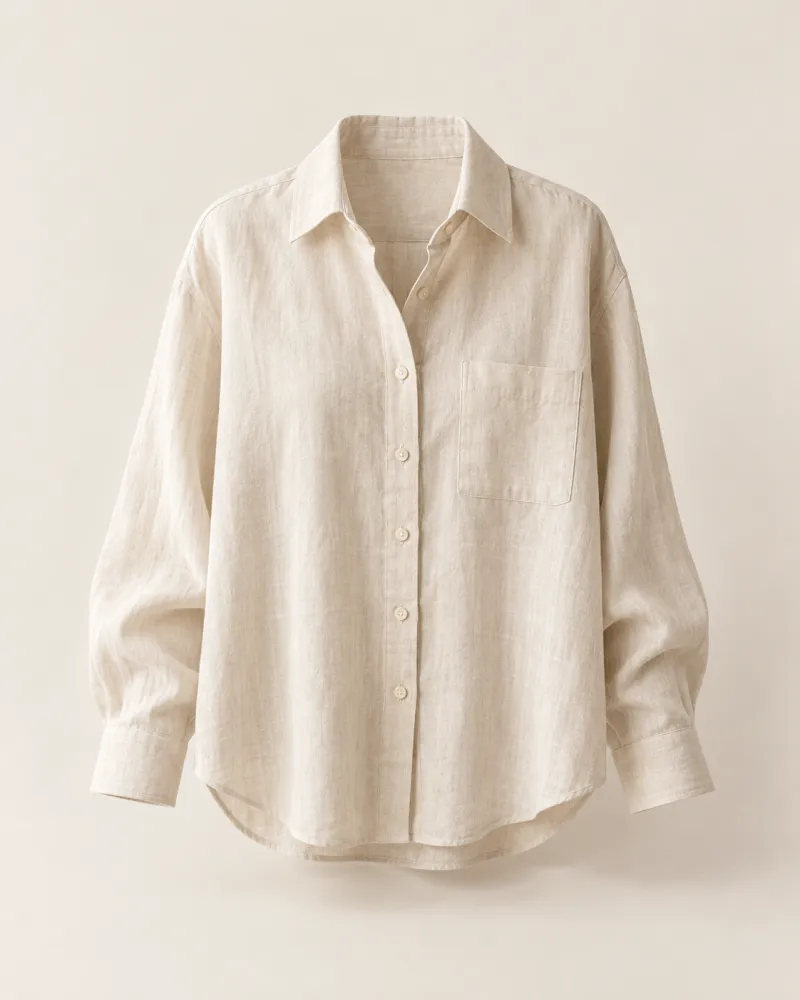
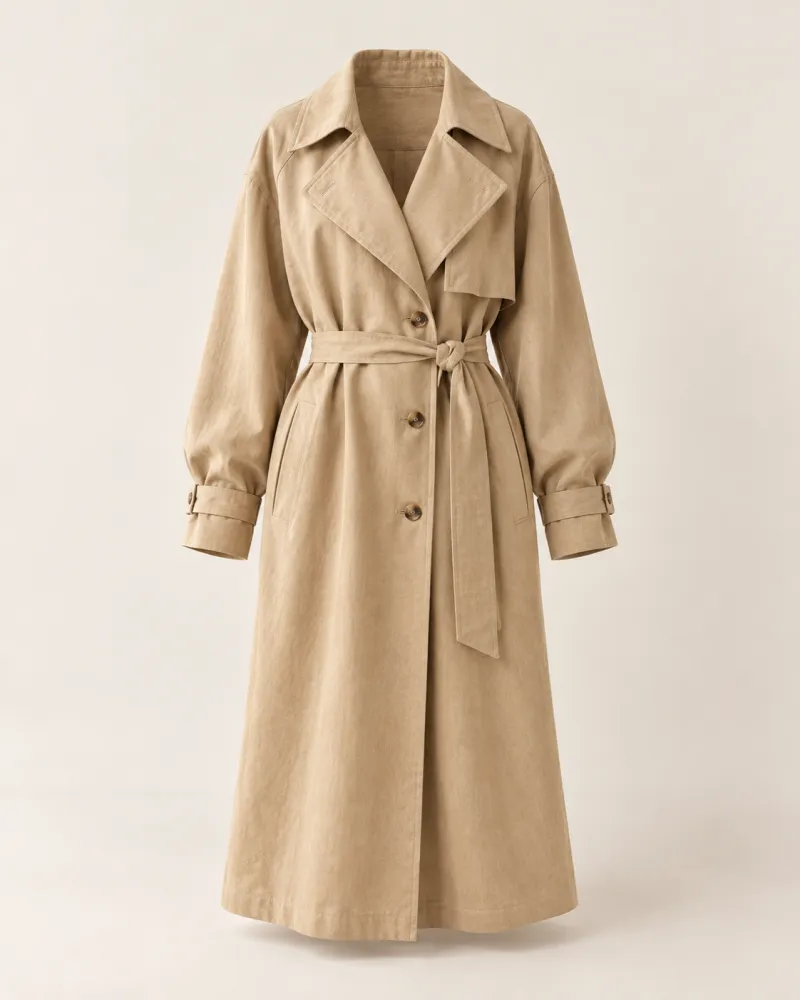
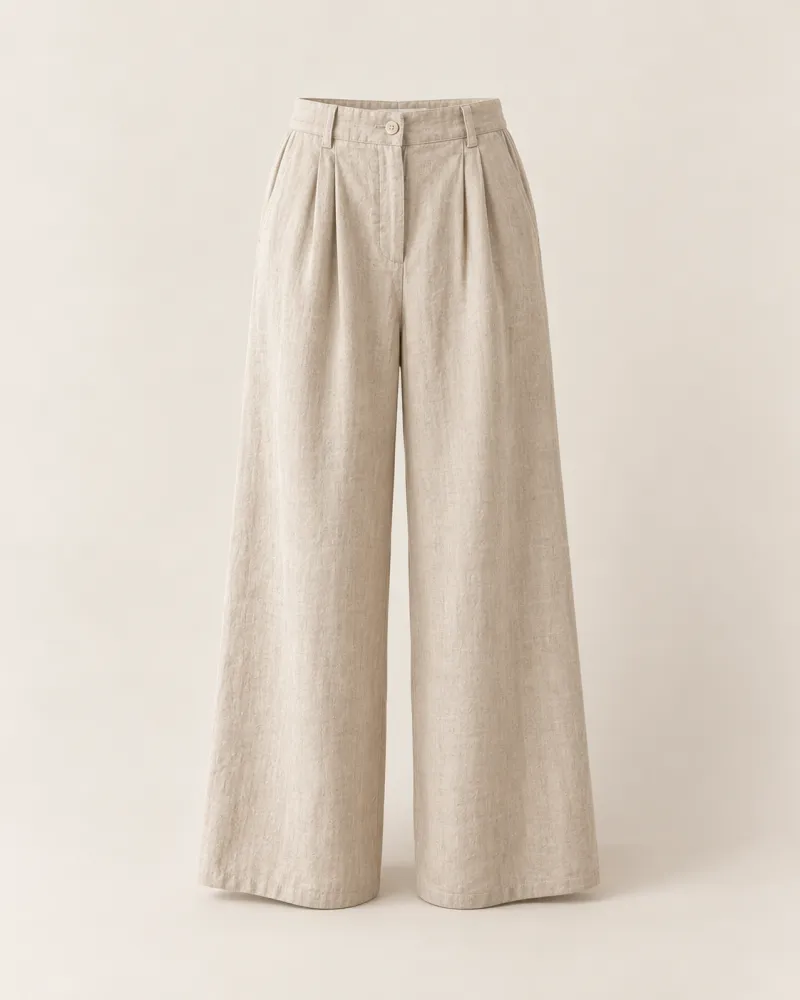
Variants with their own prices and stock, specifications, filters and search. Filter pages can become separate addresses for Google — “Linen dresses”, “Wool throws”.
How it works
Four steps and you’re done
- 1
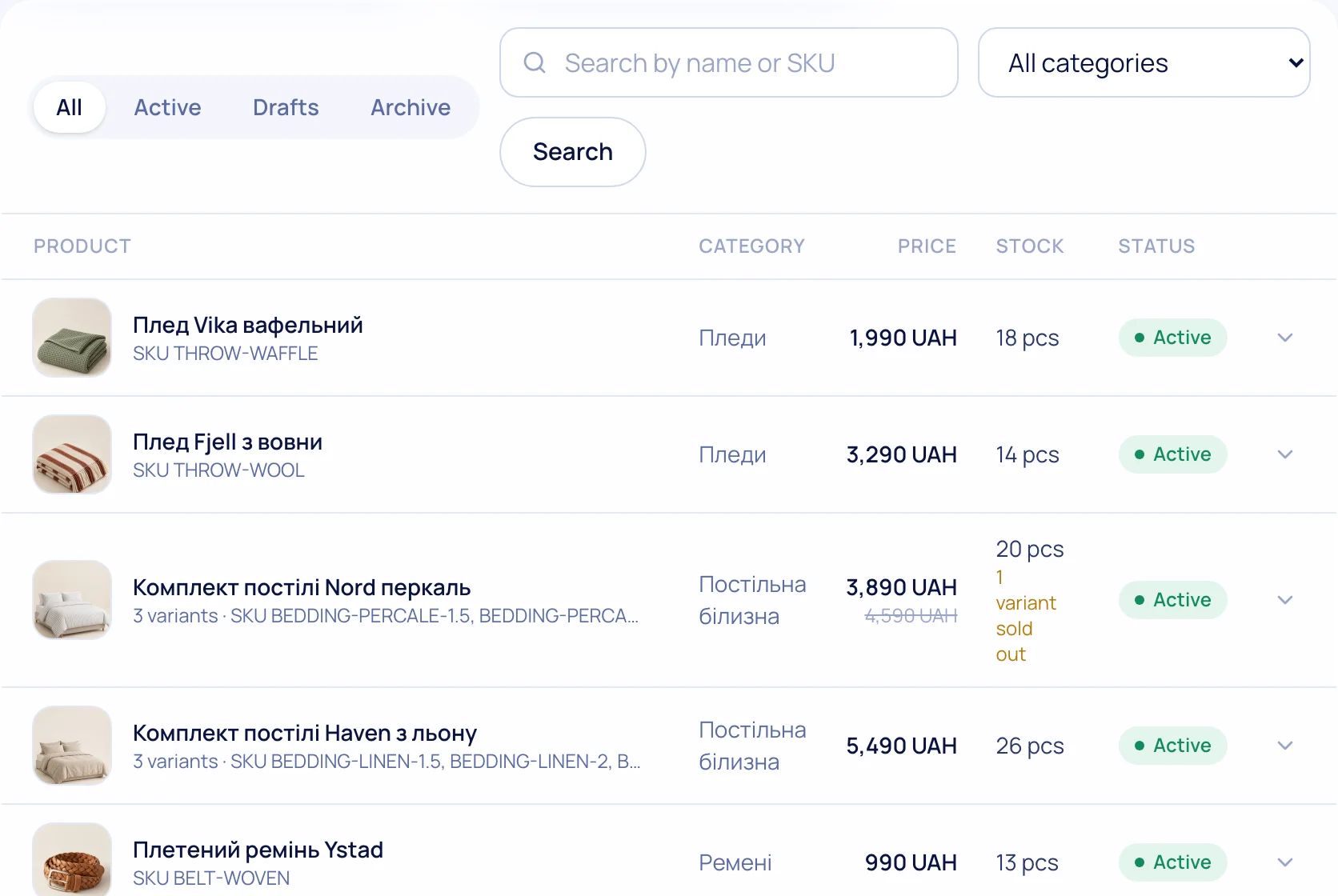
Add products
By hand, from Excel or from your old store — with images, variants and stock.
- 2
Describe specs
Material, season, size — a table on the product page and ready filters.
- 3
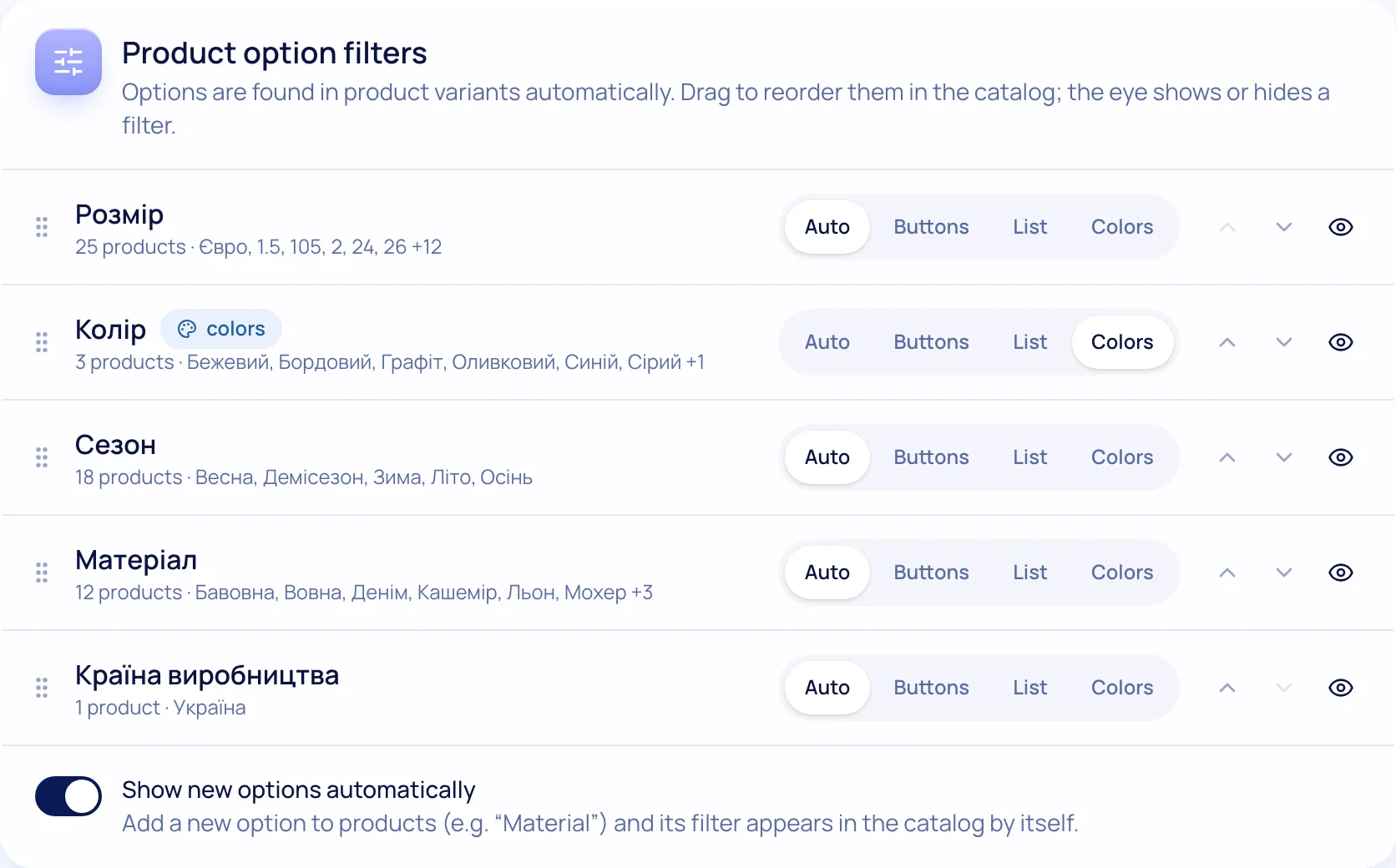
Turn on filters
Price, availability, specs, brands — show only the ones you need.
- 4
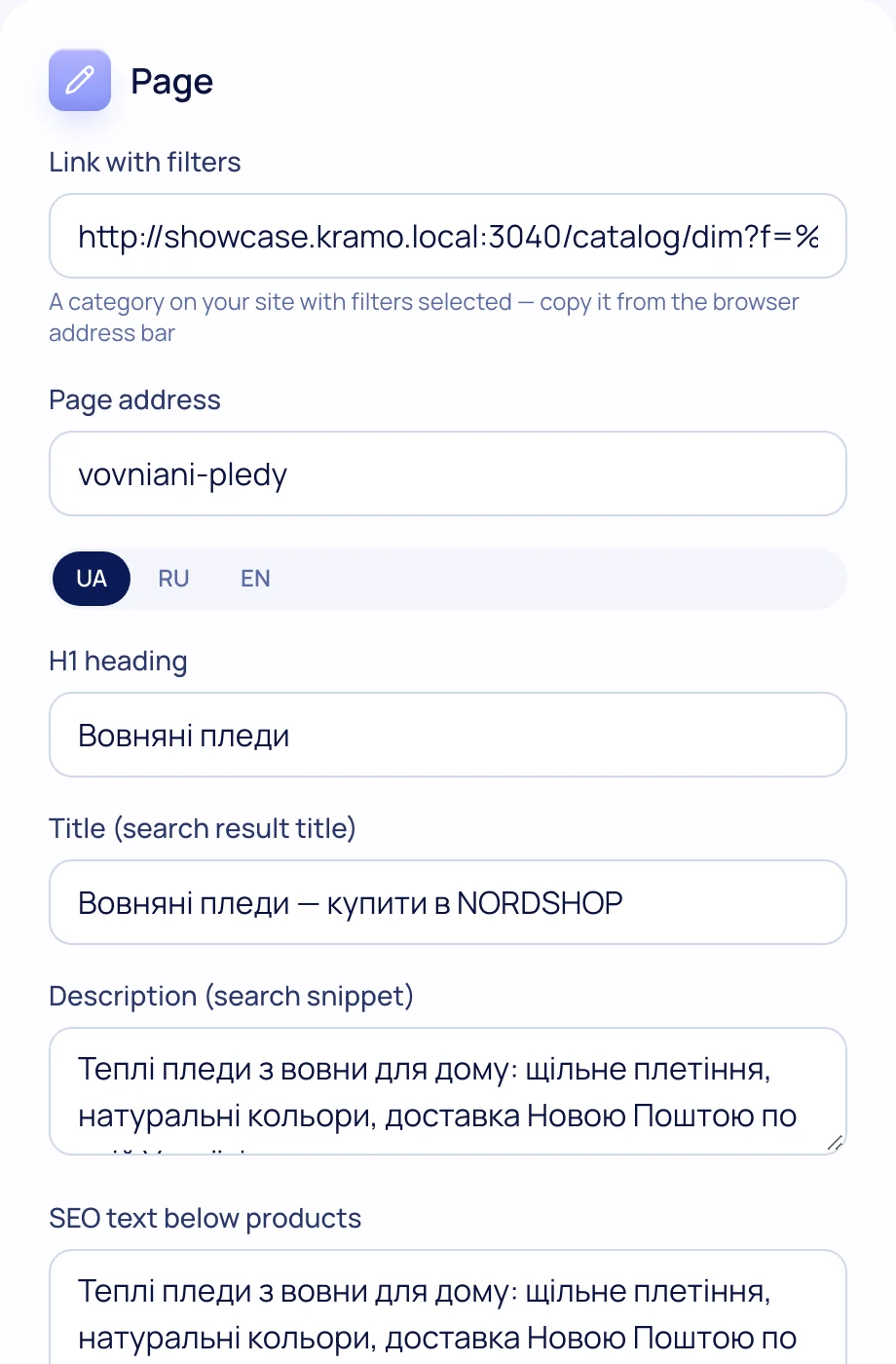
Create SEO pages
A filter set gets its own address, title and text.
What’s included
Everything you need is already here
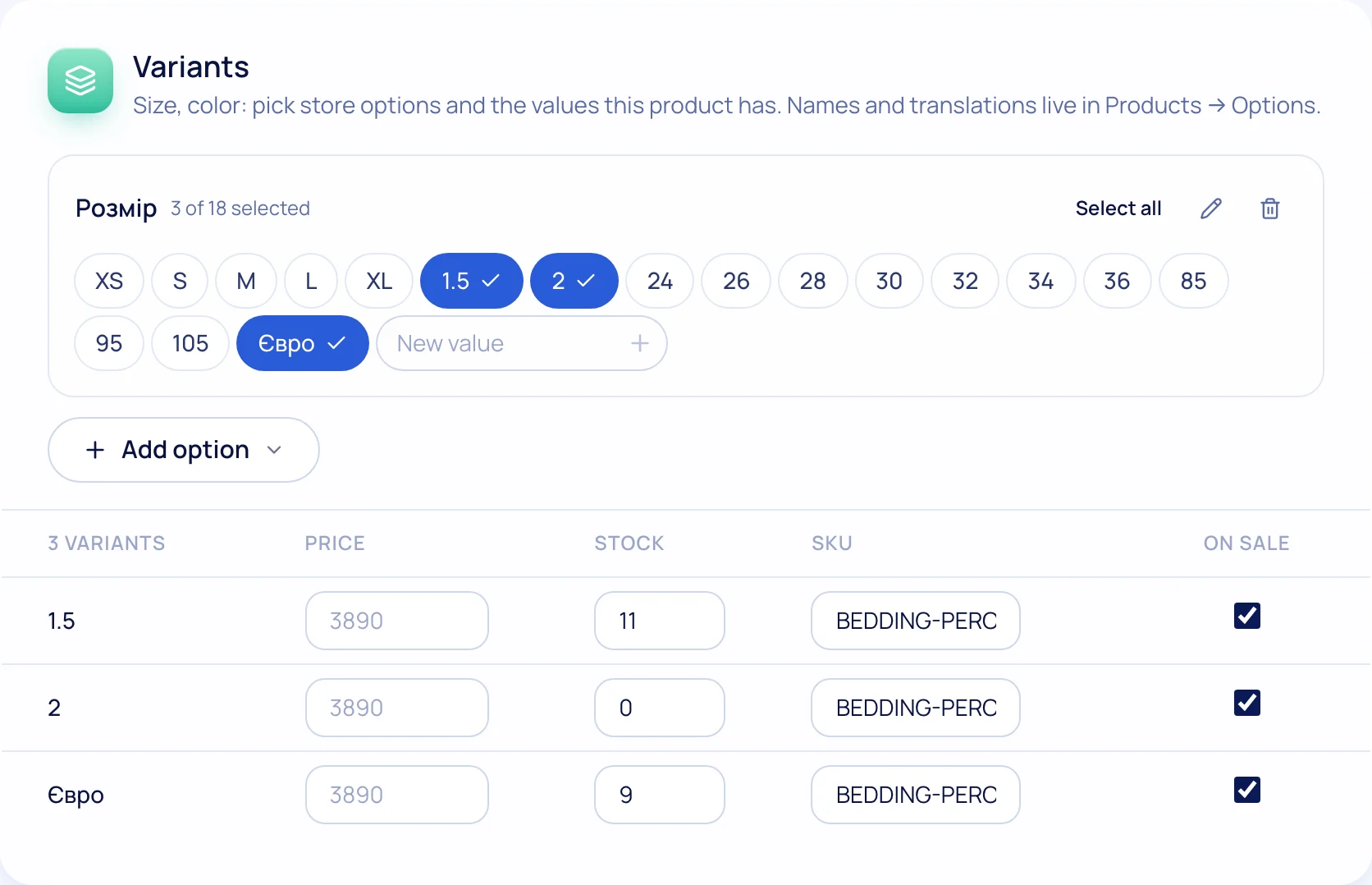
Variants
Up to three options (size, colour…) with prices, SKUs and images.
Stock
Per-variant stock; “out of stock” is automatic.
Brands
A brand page with its logo and products.
Badges
“New”, “Bestseller”, percent off — on product cards.
Reviews with photos
Moderation and rating stars in Google results.
Wishlist & compare
Shoppers save products and compare specs.

Try it on your own store
14 days free on the Business plan, no card needed.